Module 3 Formstorming

Lilith Solomon

Project 3


Module 3

Experimenting with P5*js and the Makey Makey

Activity 1

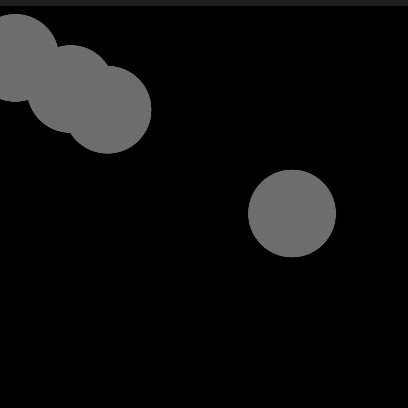
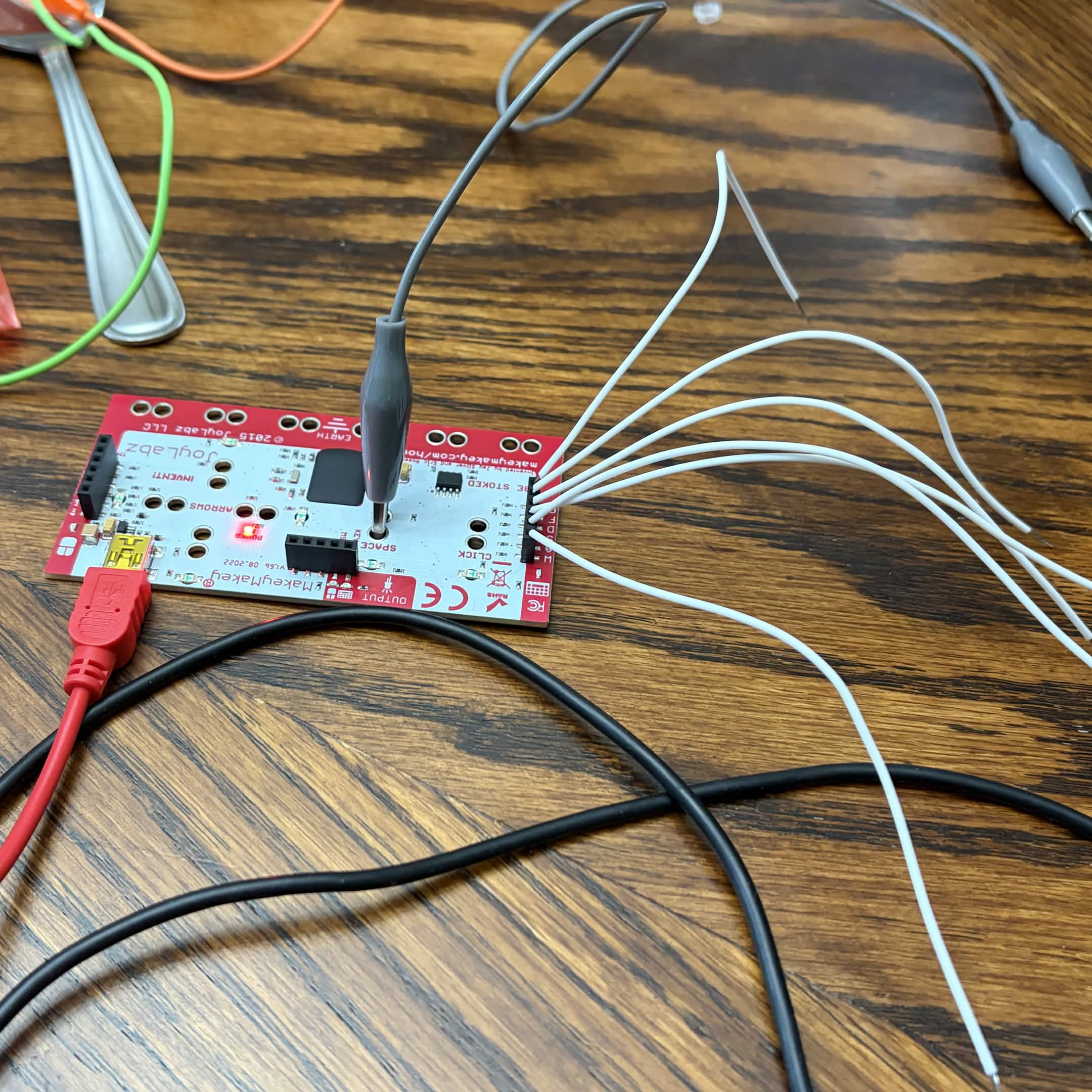
Experimenting with Steve's tutorial with the Makey Makey. Changed the shape for individuality. Connected with the back of the Makey Makey. Experimenting with Steve's tutorial with the Makey Makey. Changed the shape for individuality. Connected with the back of the Makey Makey. Experimenting with Steve's tutorial with the Makey Makey. Altered the code to change the appearance. Experimenting with Steve's tutorial with the Makey Makey. Changed the shape for individuality. Connected with the front of the Makey Makey. Experimenting with Steve's tutorial with the Makey Makey. Added more circles in tune with the oscillator. Connected with the back of the Makey Makey. Experimenting with Steve's tutorial with the Makey Makey. Added more circles in tune with the oscillator. Connected with the front of the Makey Makey. A P5*JS drum set by ofthesuburbs. Code is not mine. Experimented interactions with the Makey Makey.<br>
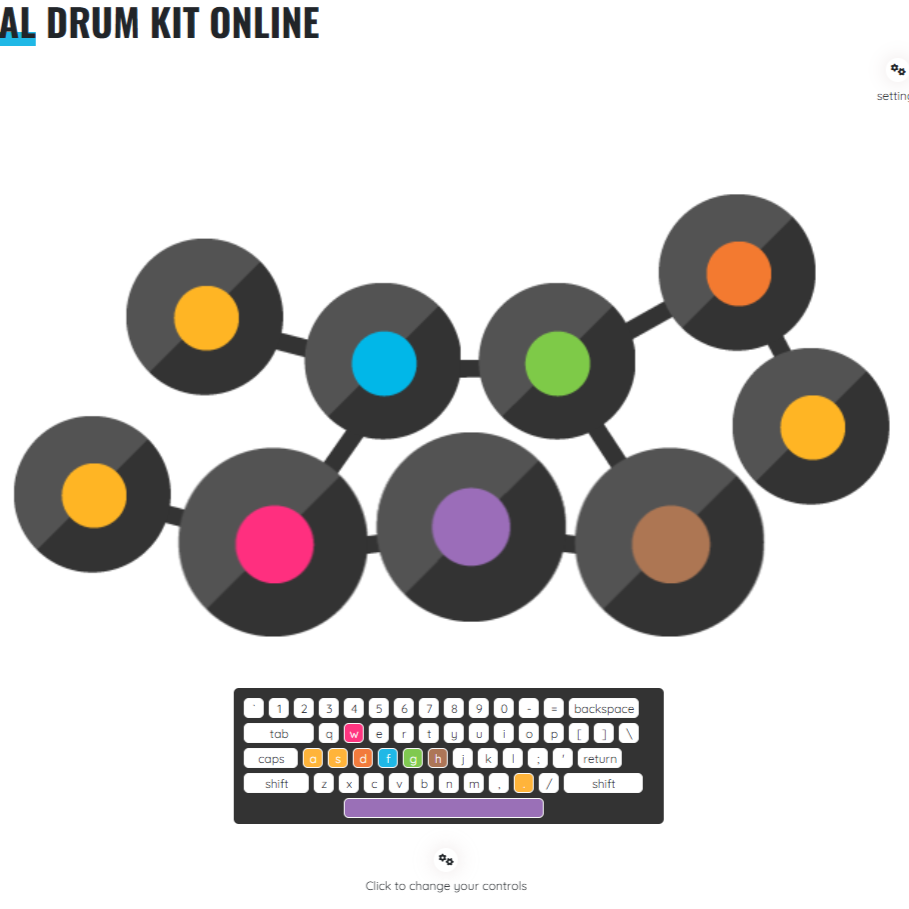
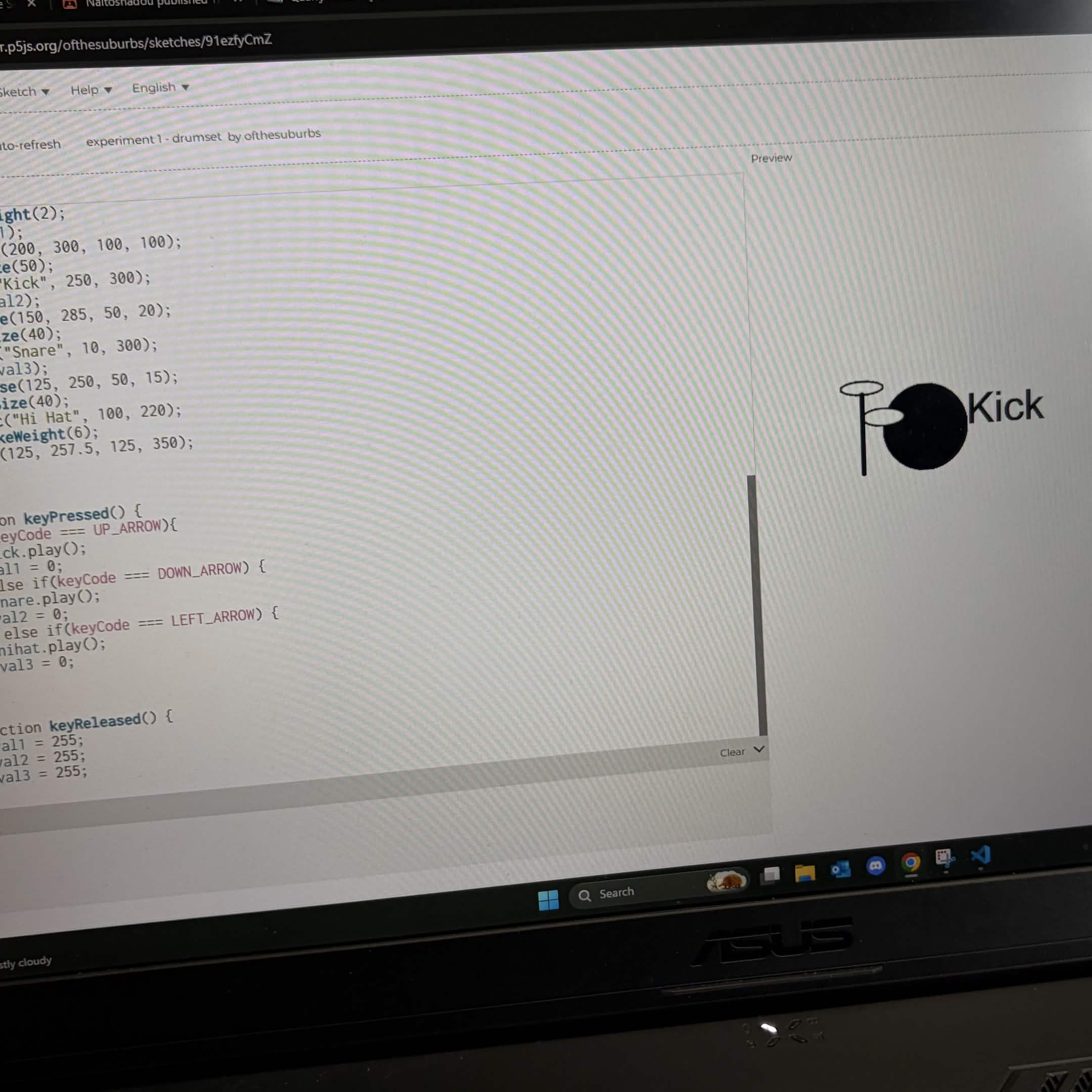
                <a href='https://editor.p5js.org/ofthesuburbs/sketches/91ezfyCmZ'>https://editor.p5js.org/ofthesuburbs/sketches/91ezfyCmZ</a> An online drum kit. Experimented interactions with the back of the Makey Makey.<br>
                <a href='https://www.playdrumsonline.com/onlinedrumkit'>https://www.playdrumsonline.com/onlinedrumkit</a> A P5*JS Snake game by p5. Code is not mine. Experimented interactions with the Makey Makey.<br>
                <a href-'https://editor.p5js.org/p5/sketches/Interaction:_snake'>https://editor.p5js.org/p5/sketches/Interaction:_snake</a> A P5*JS visual interaction by faichan. Code is not mine. Experimented interactions/inputs with the Makey Makey.<br>
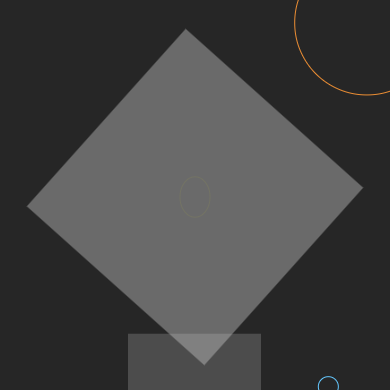
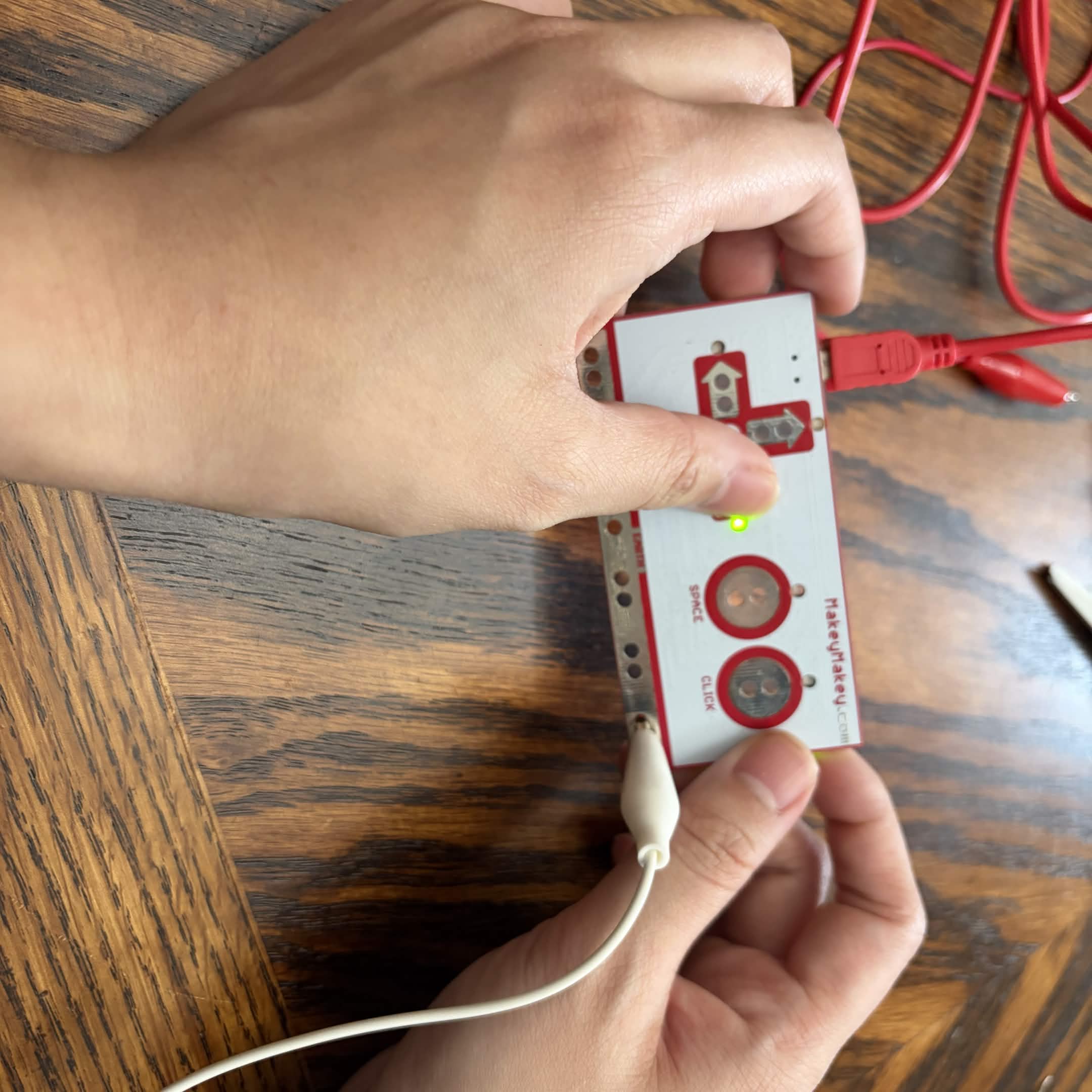
                <a href='https://editor.p5js.org/faichan/sketches/rXBjp_y6Y'>https://editor.p5js.org/faichan/sketches/rXBjp_y6Y</a> Holding the Makey Makey with one input. Experimented interactions with the Makey Makey and altered code with a P5*JS drum kit. Code is by ofthesuburbs.<br>
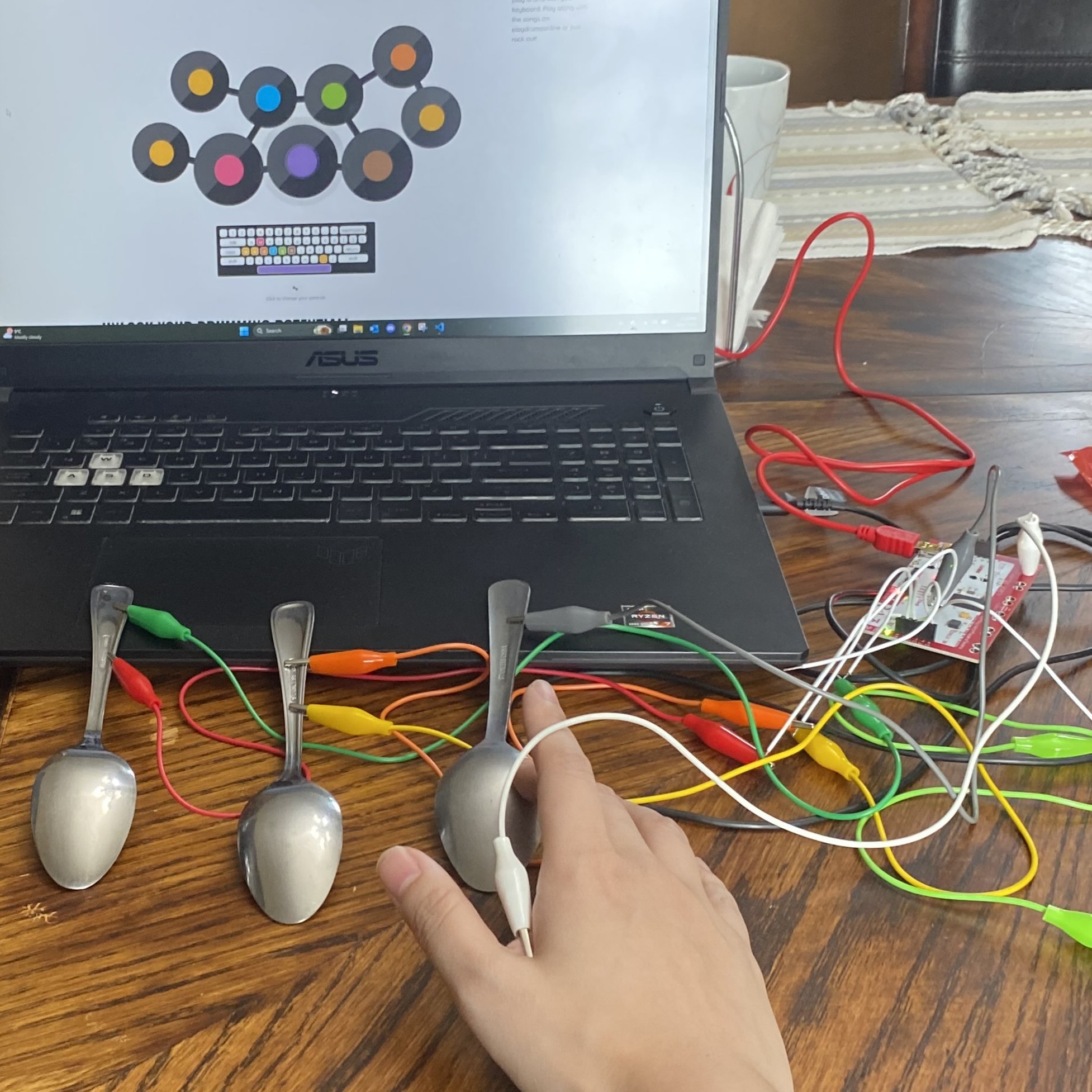
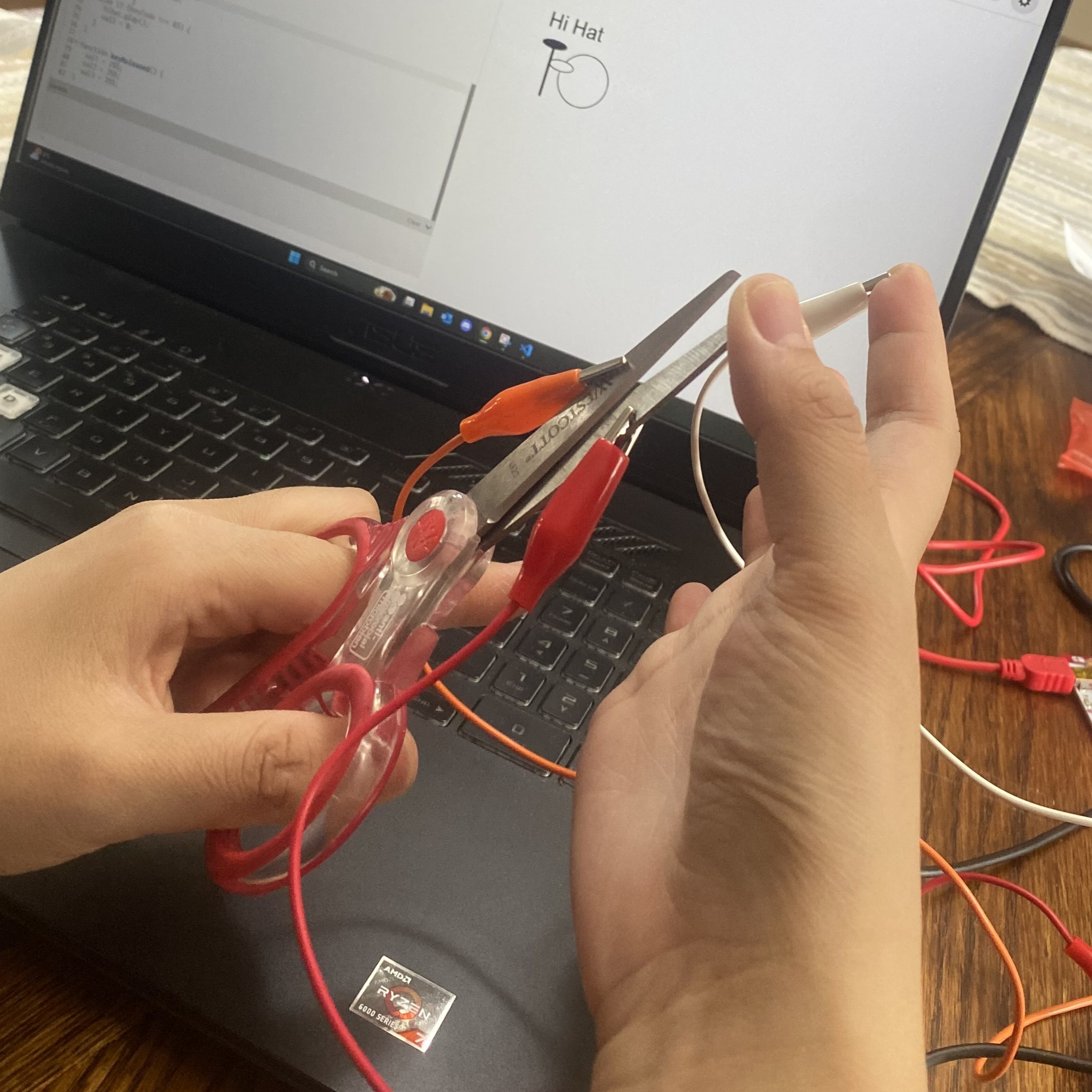
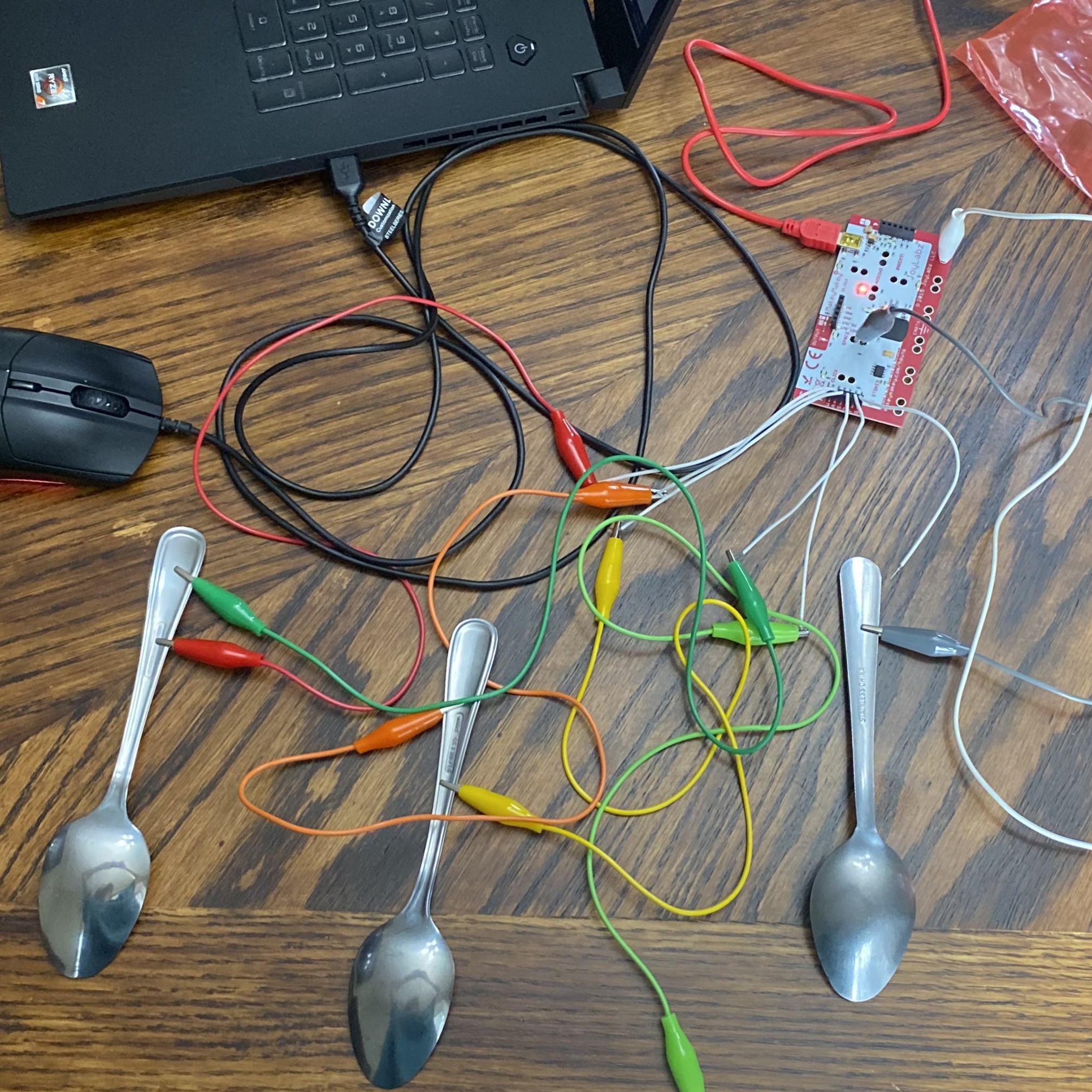
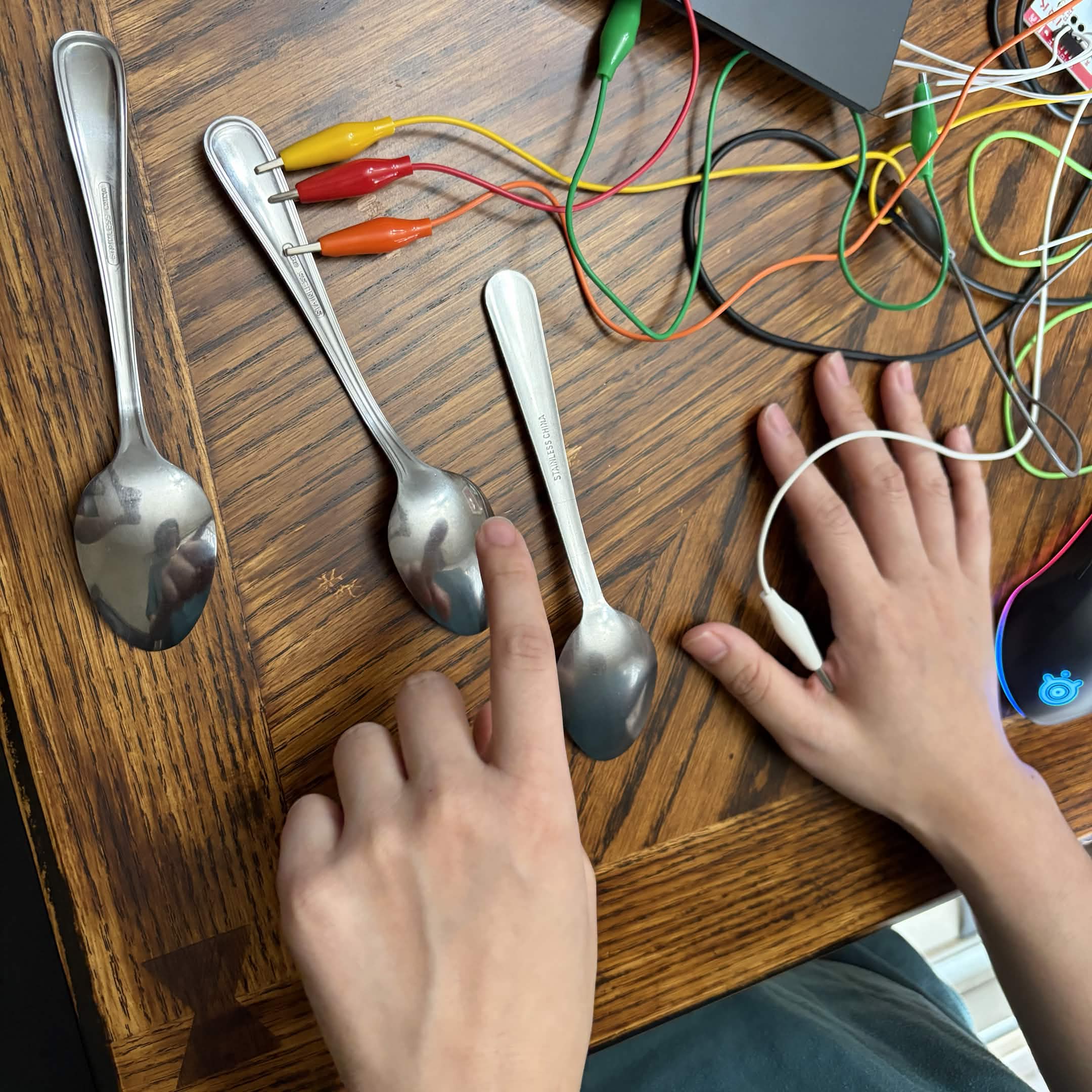
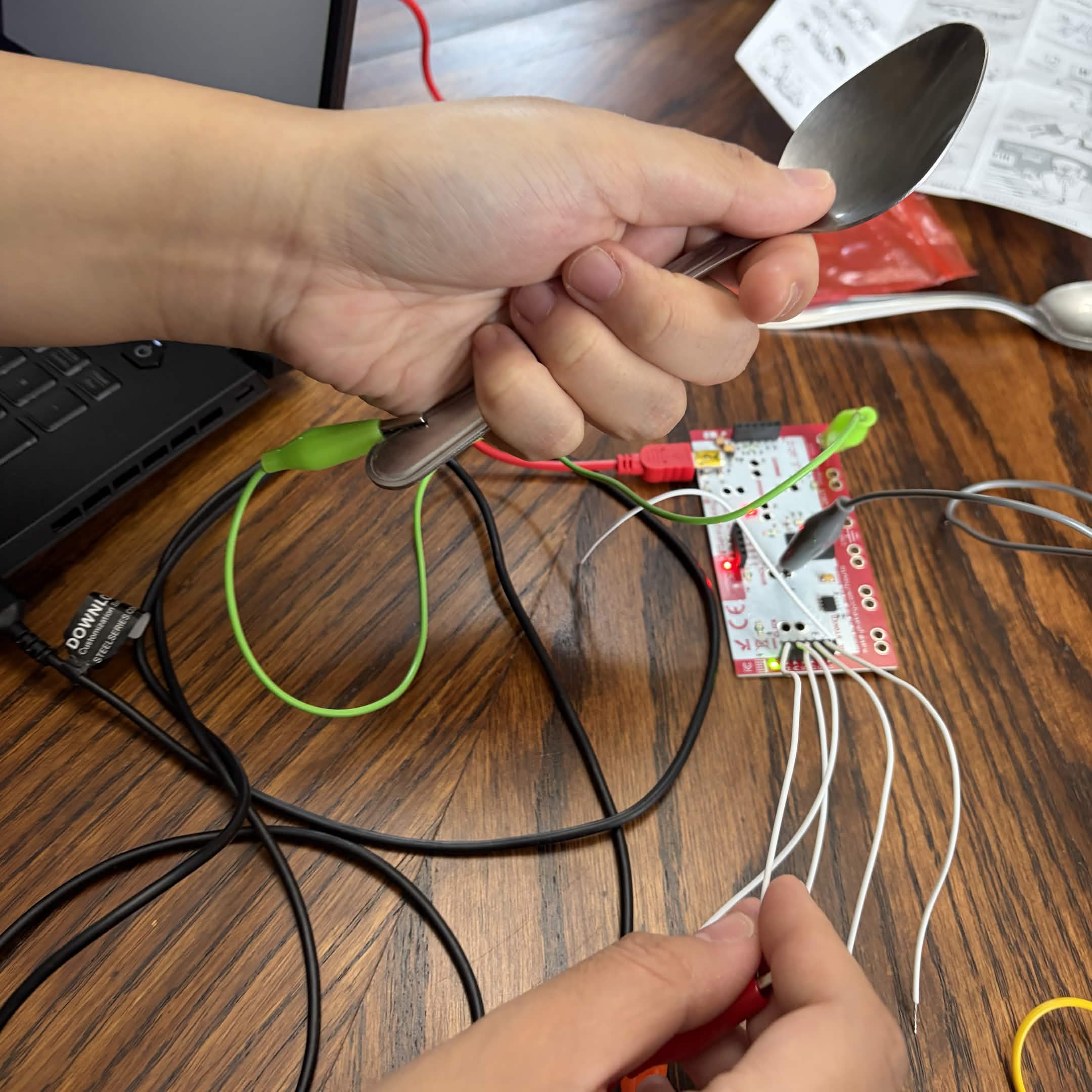
                <a href='https://editor.p5js.org/ofthesuburbs/sketches/91ezfyCmZ'>https://editor.p5js.org/ofthesuburbs/sketches/91ezfyCmZ</a> Using spoons as inputs with the online drum kit. Using scissors as an input with the P5*JS drum set. Code is by ofthesuburbs.<br>
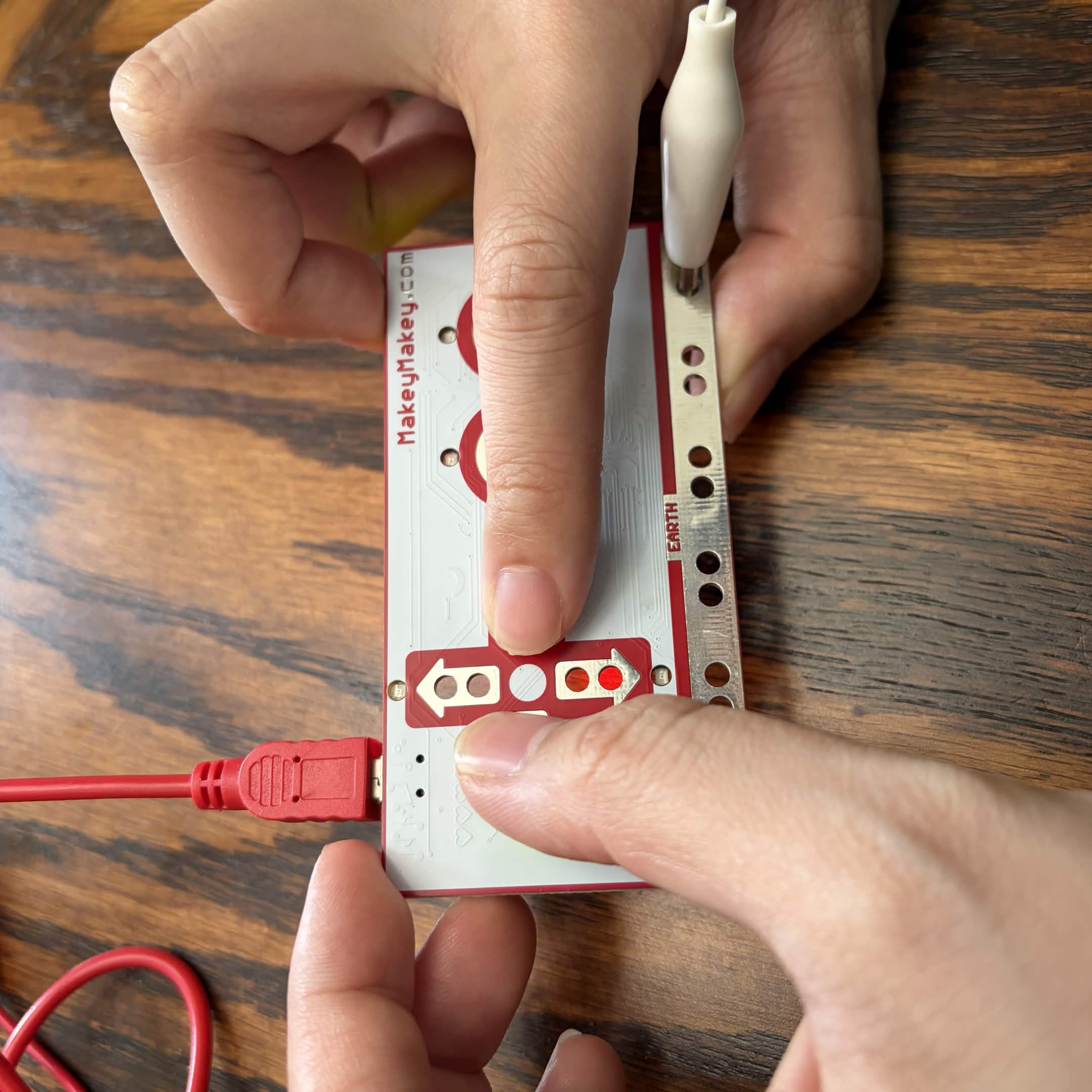
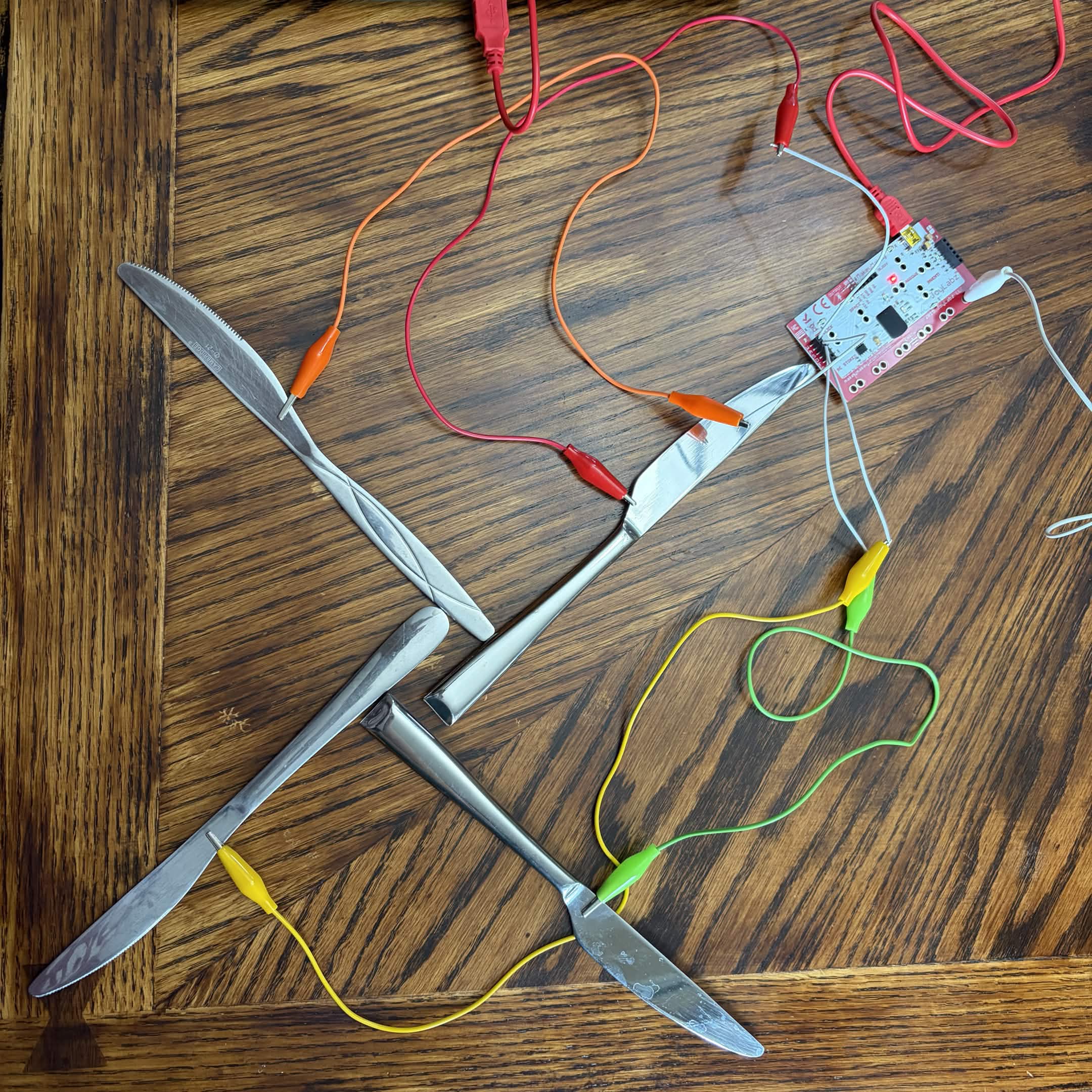
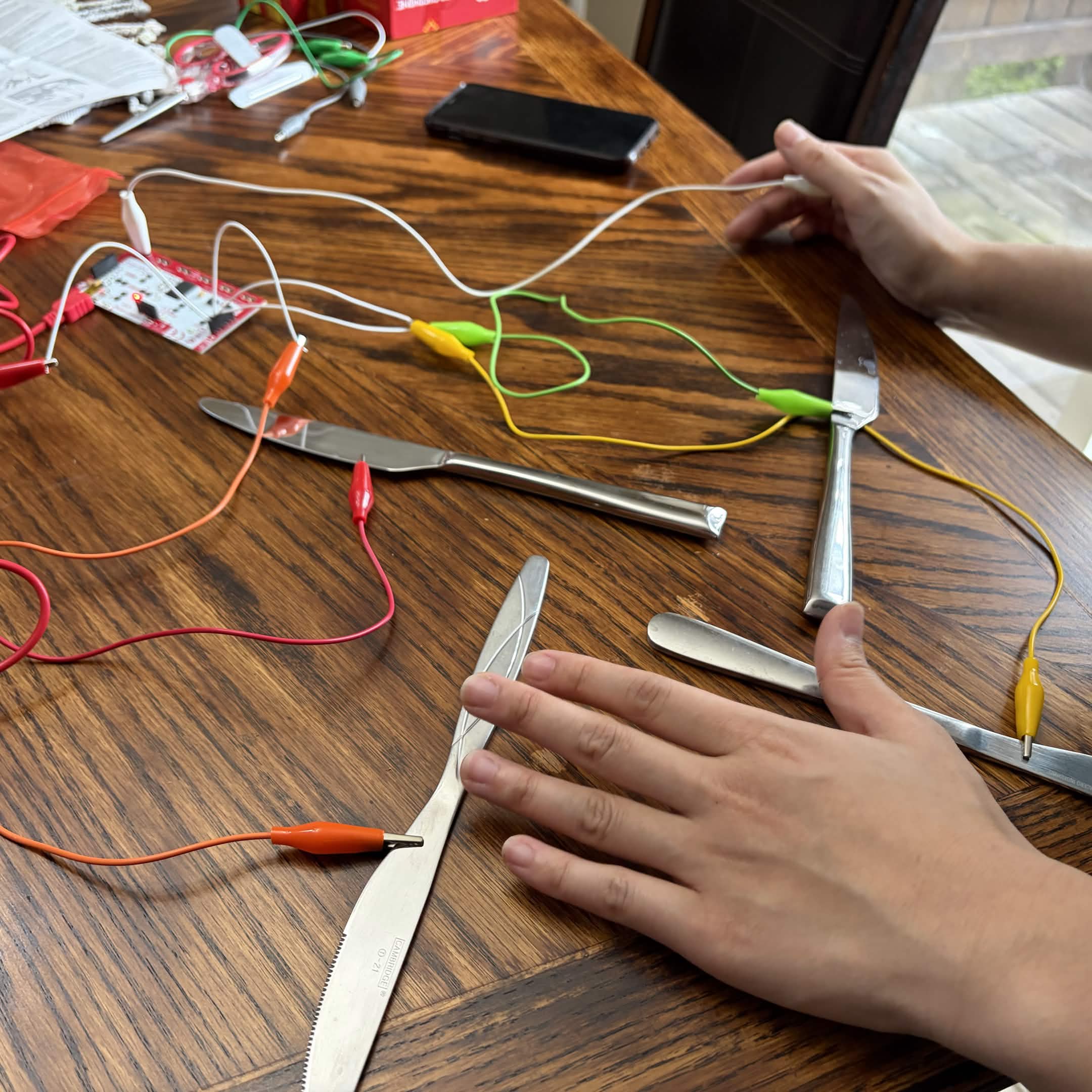
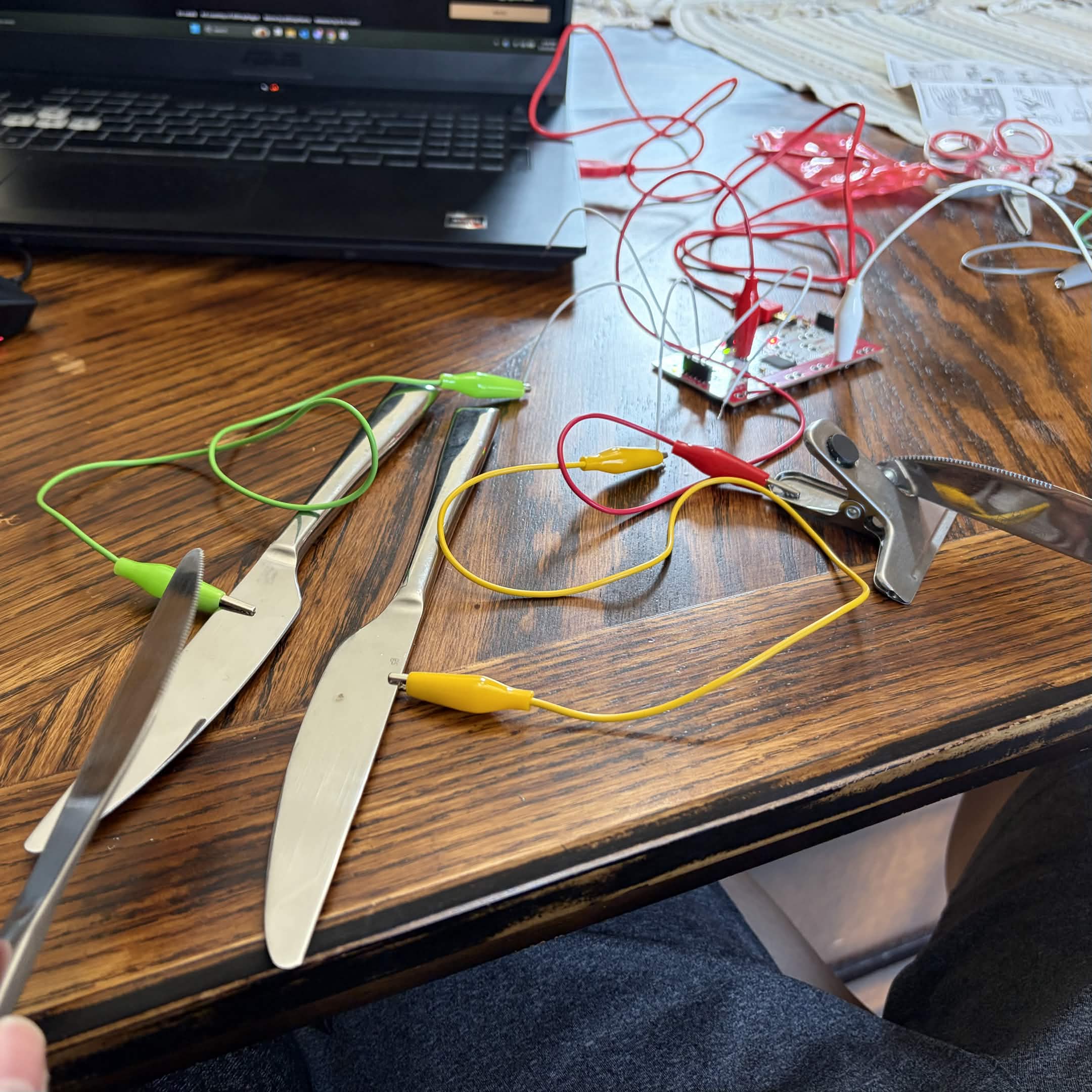
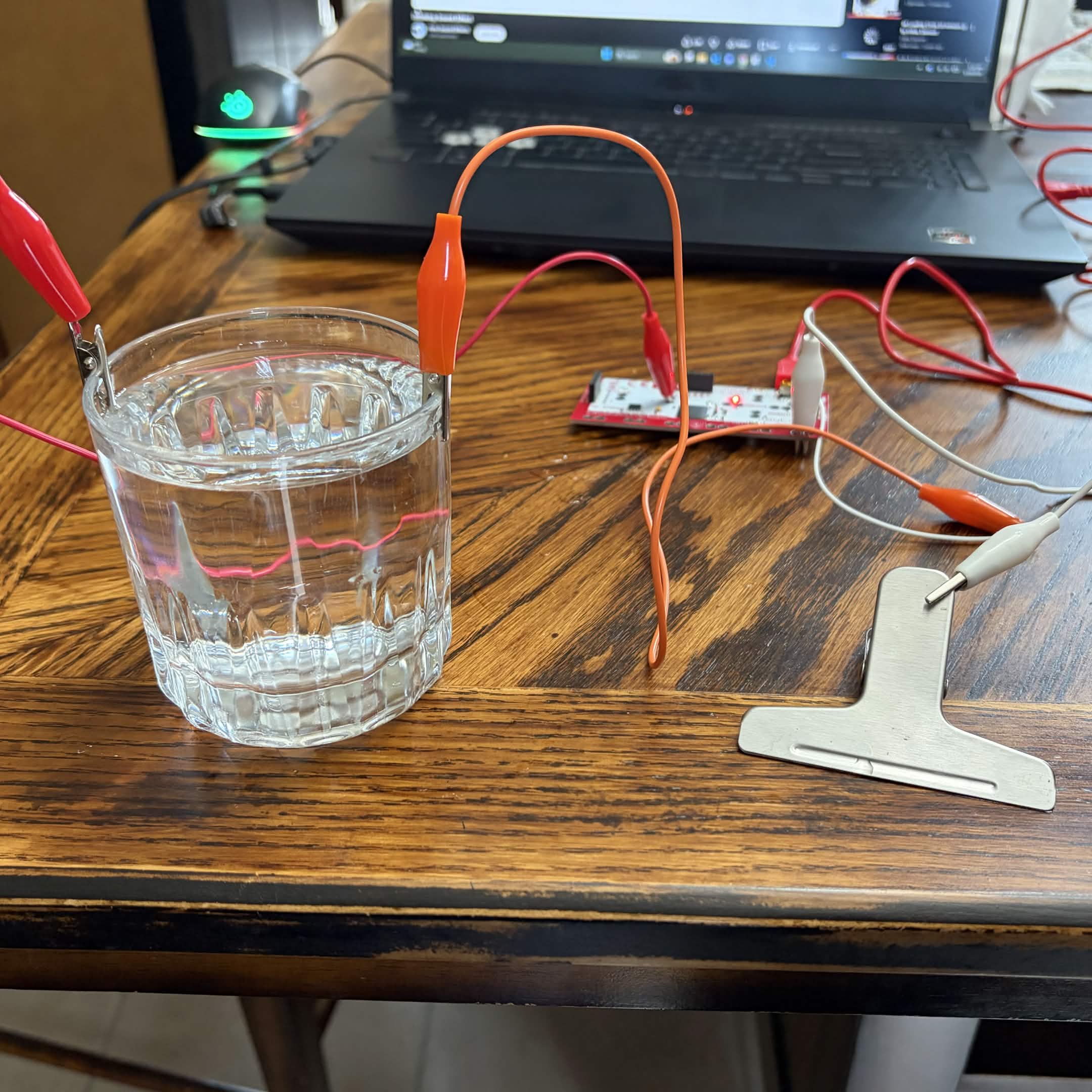
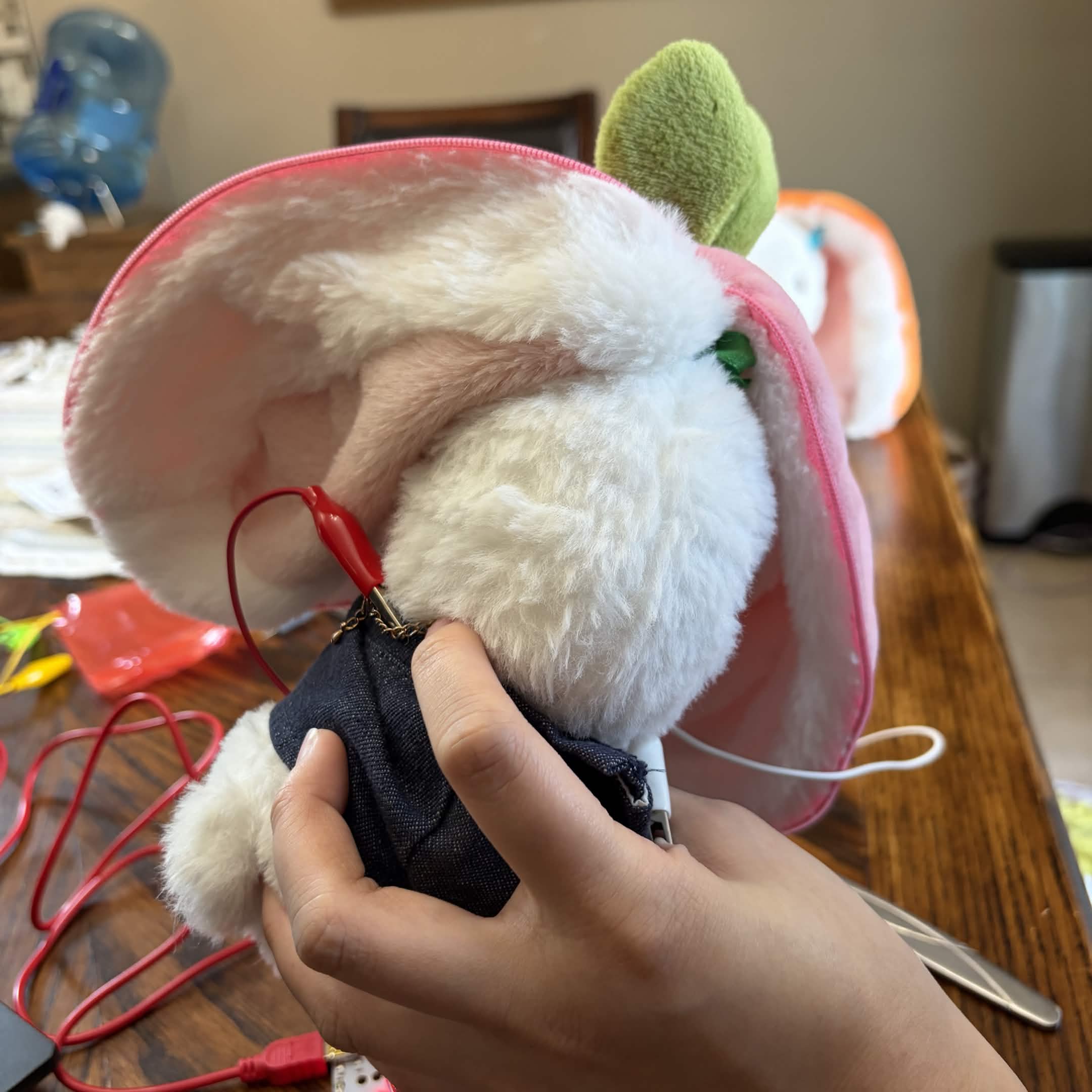
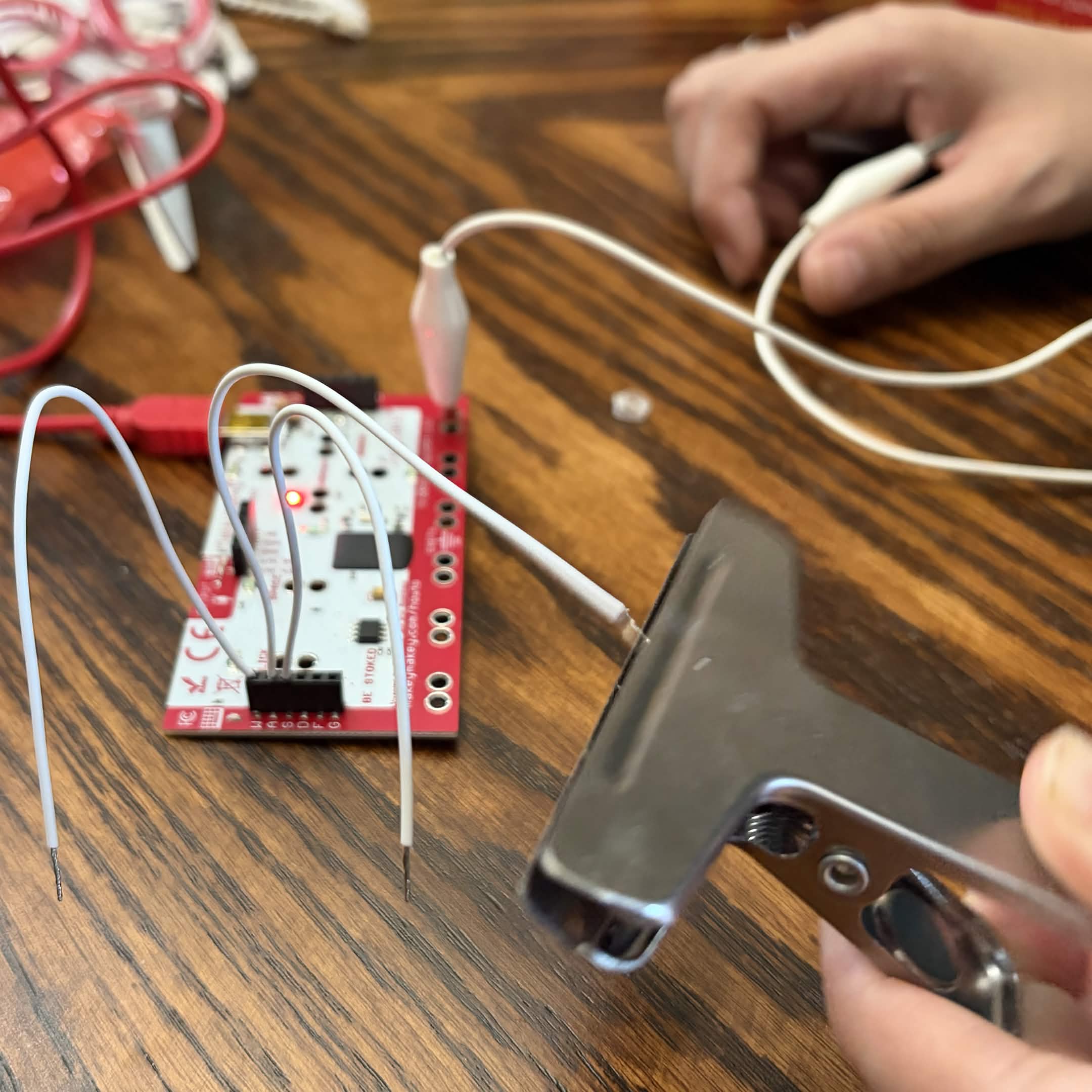
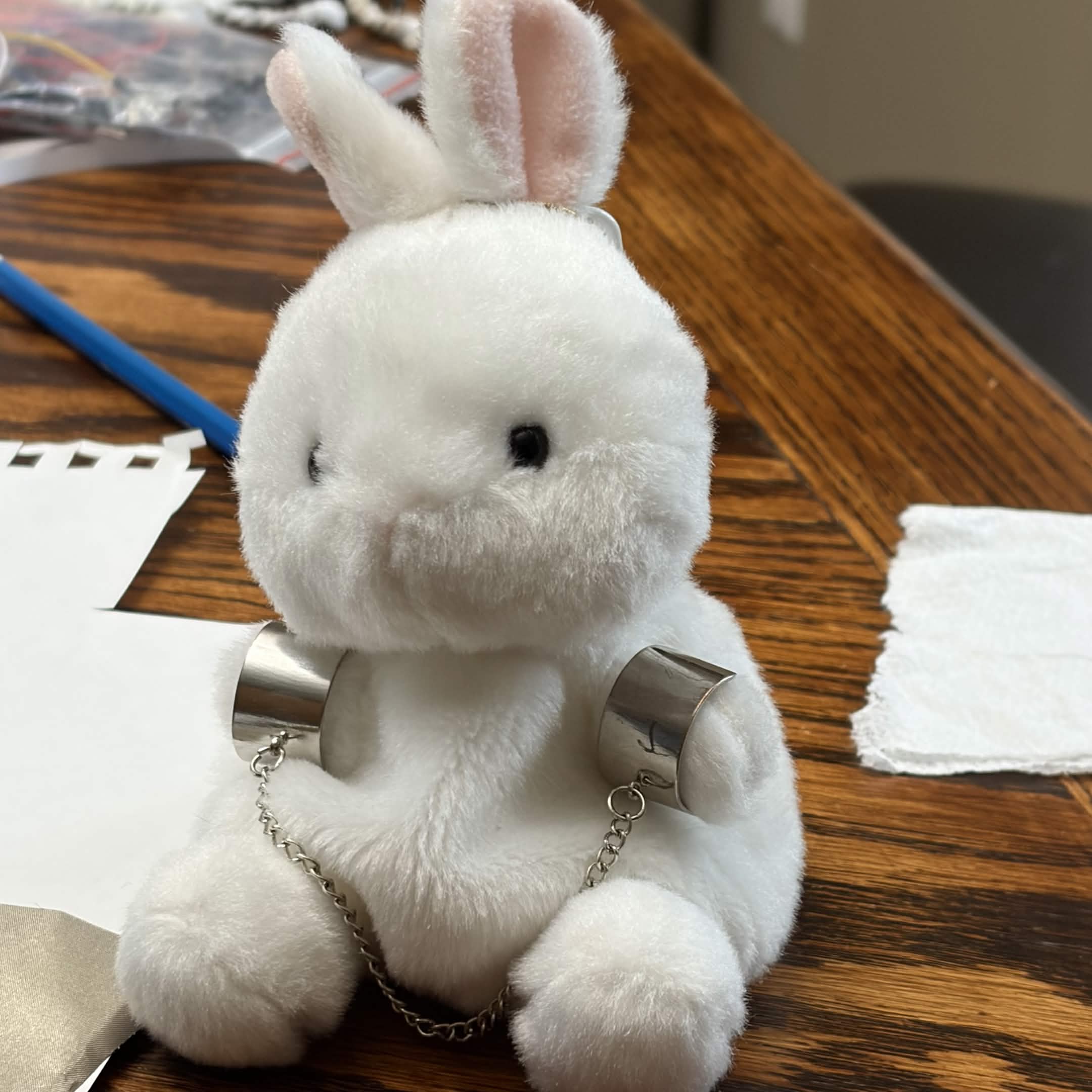
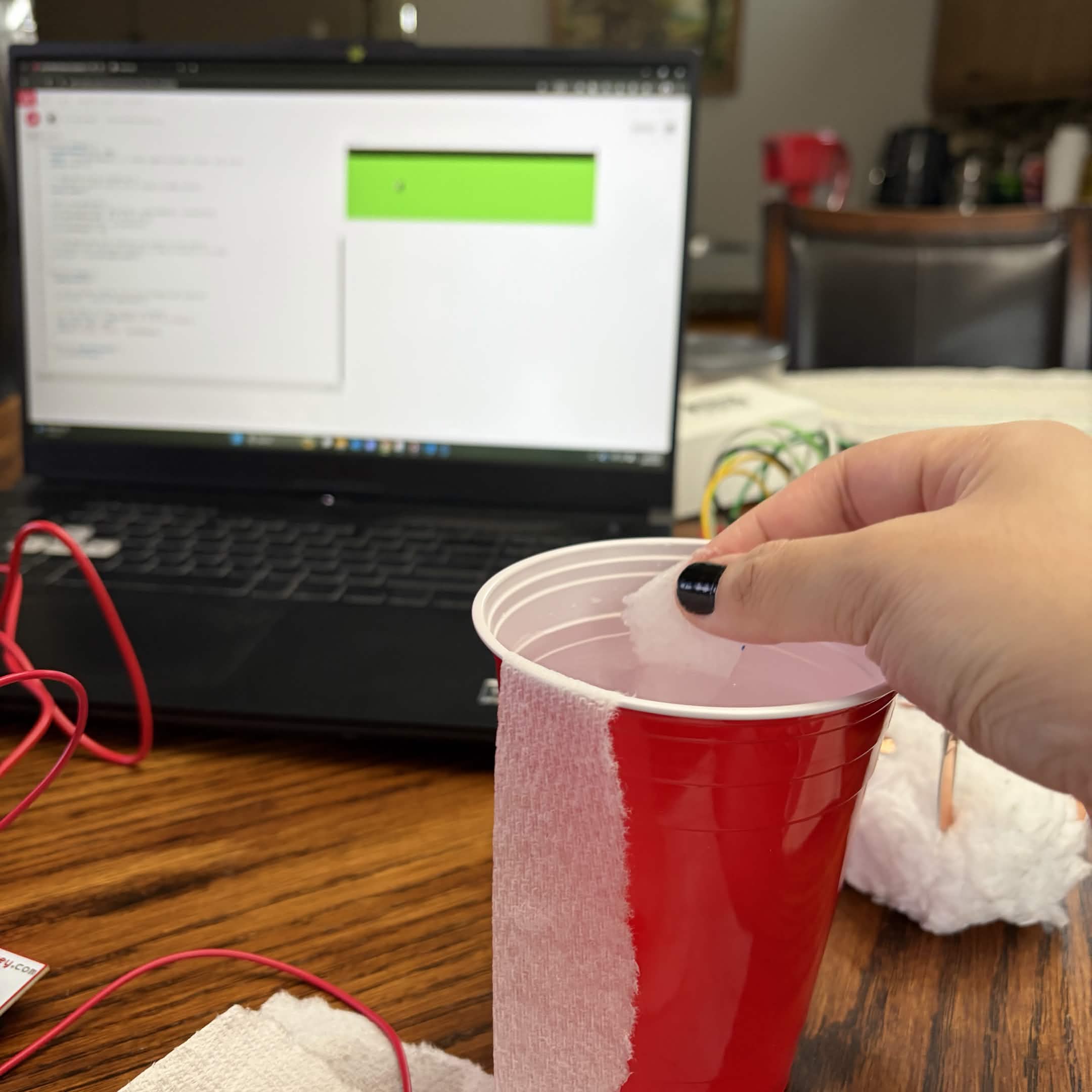
                <a href='https://editor.p5js.org/ofthesuburbs/sketches/91ezfyCmZ'>https://editor.p5js.org/ofthesuburbs/sketches/91ezfyCmZ</a> Holding the Makey Makey with two inputs. This can work! Makey Makey setup with table knives. Using the knives as arrow inputs. Makey Makey setup with spoons. Playing with the spoons while having the clip grounded to skin as a test. Playing with the table knives while having the other knives touch the inputs. Experimenting with water as an input. Experimenting with a plush as an input. An alligator clasp is attached to a metal necklace the plush is wearing. Experimenting with the backside of the Makey Makey. There are more inputs to work with. Experimenting with the backside of the Makey Makey with the spoon as a ground. Experimenting with the backside of the Makey Makey with a clip as an input and the ground on self.

Activity 2
Experimenting with Steve's tutorial with the Makey Makey. Changed the shape for individuality. Connected with the back of the Makey Makey. Experimenting with P5*JS code for output testing. Code by p5.<br>
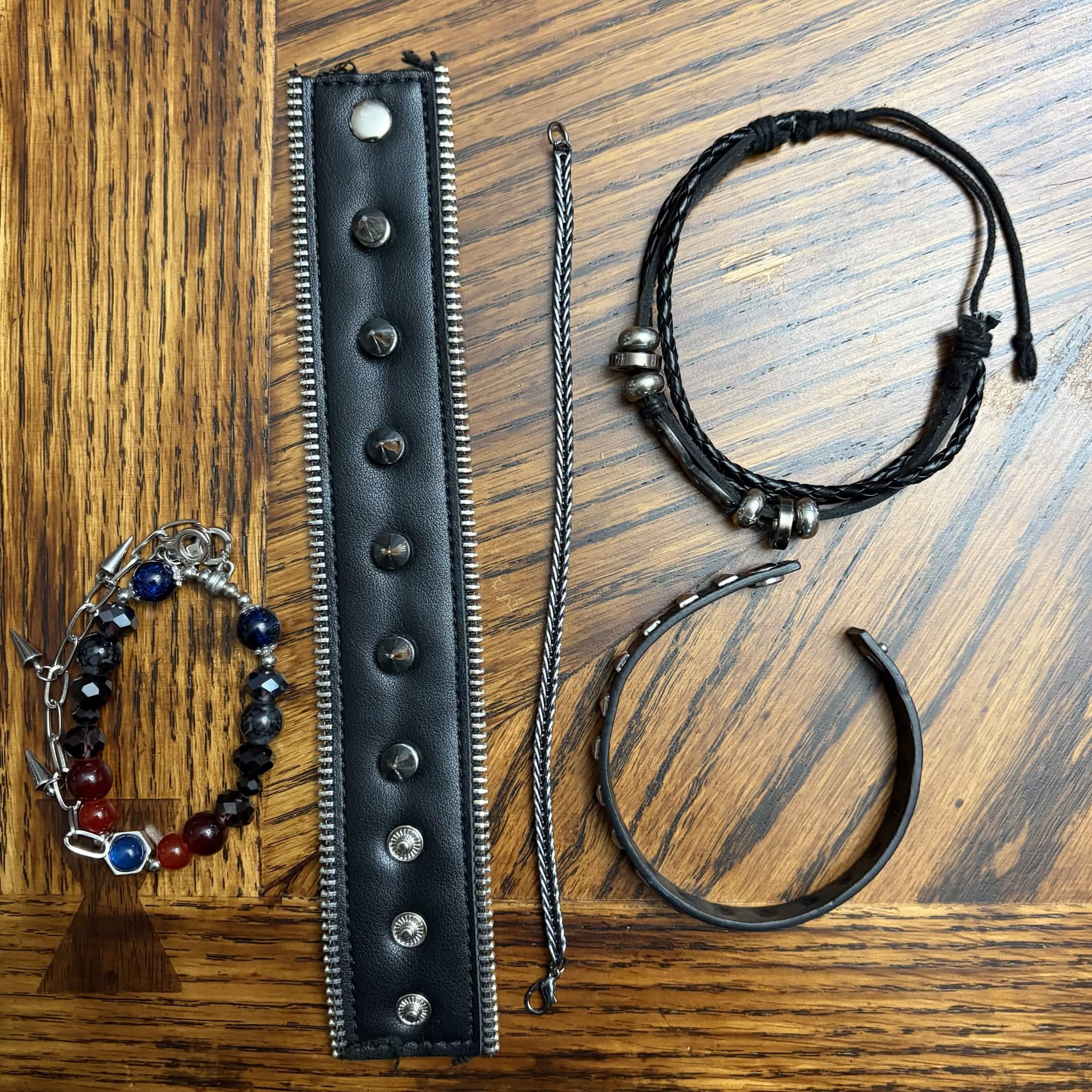
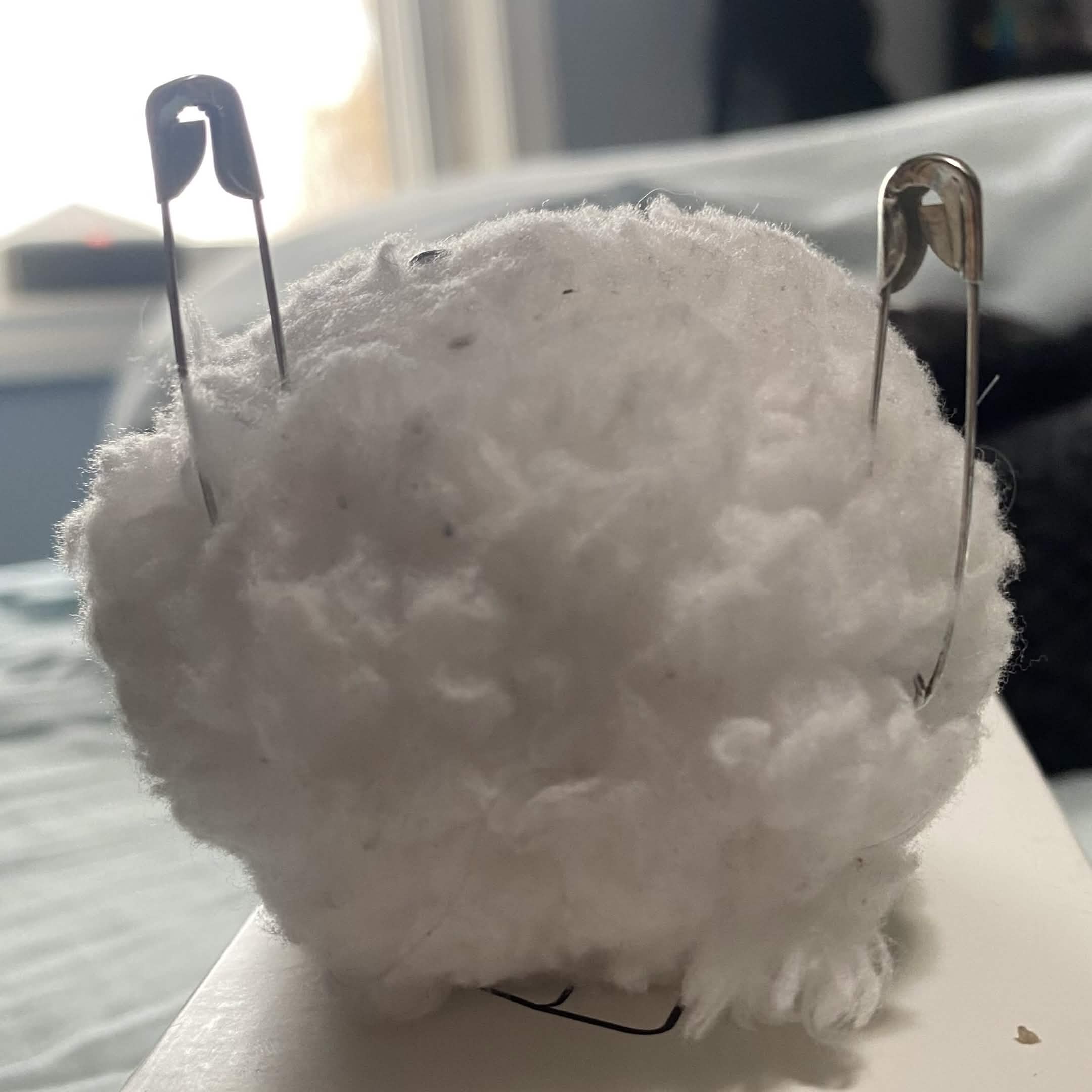
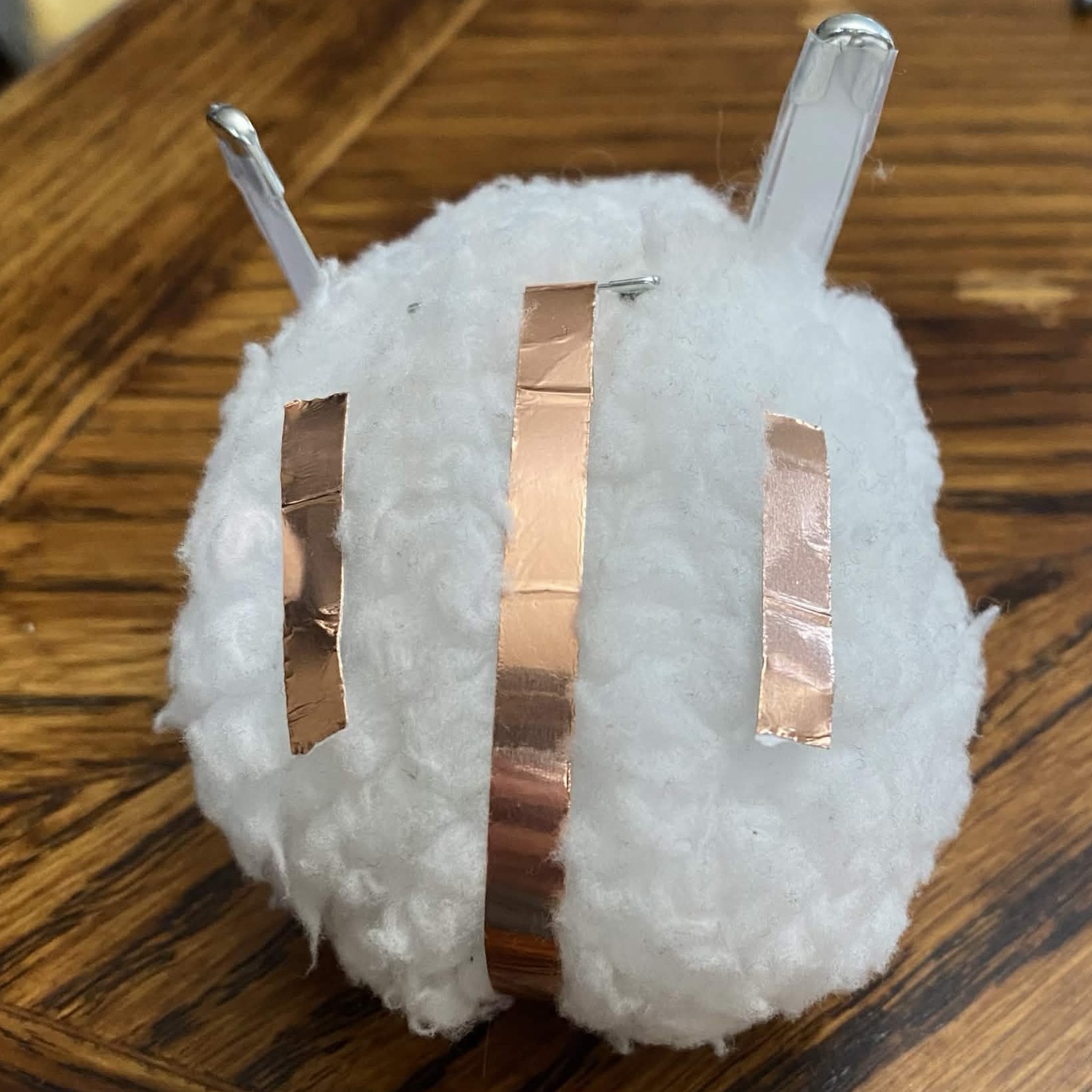
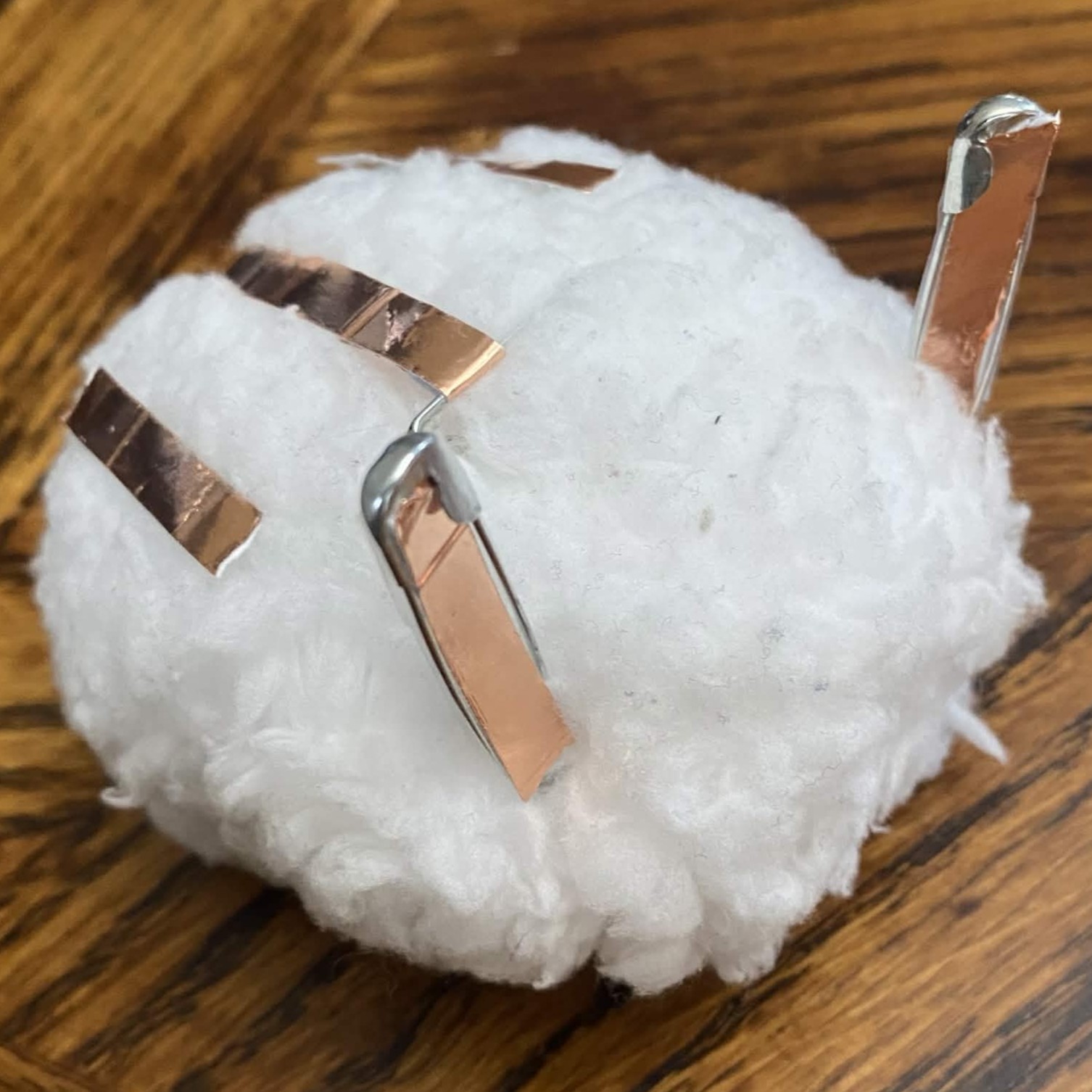
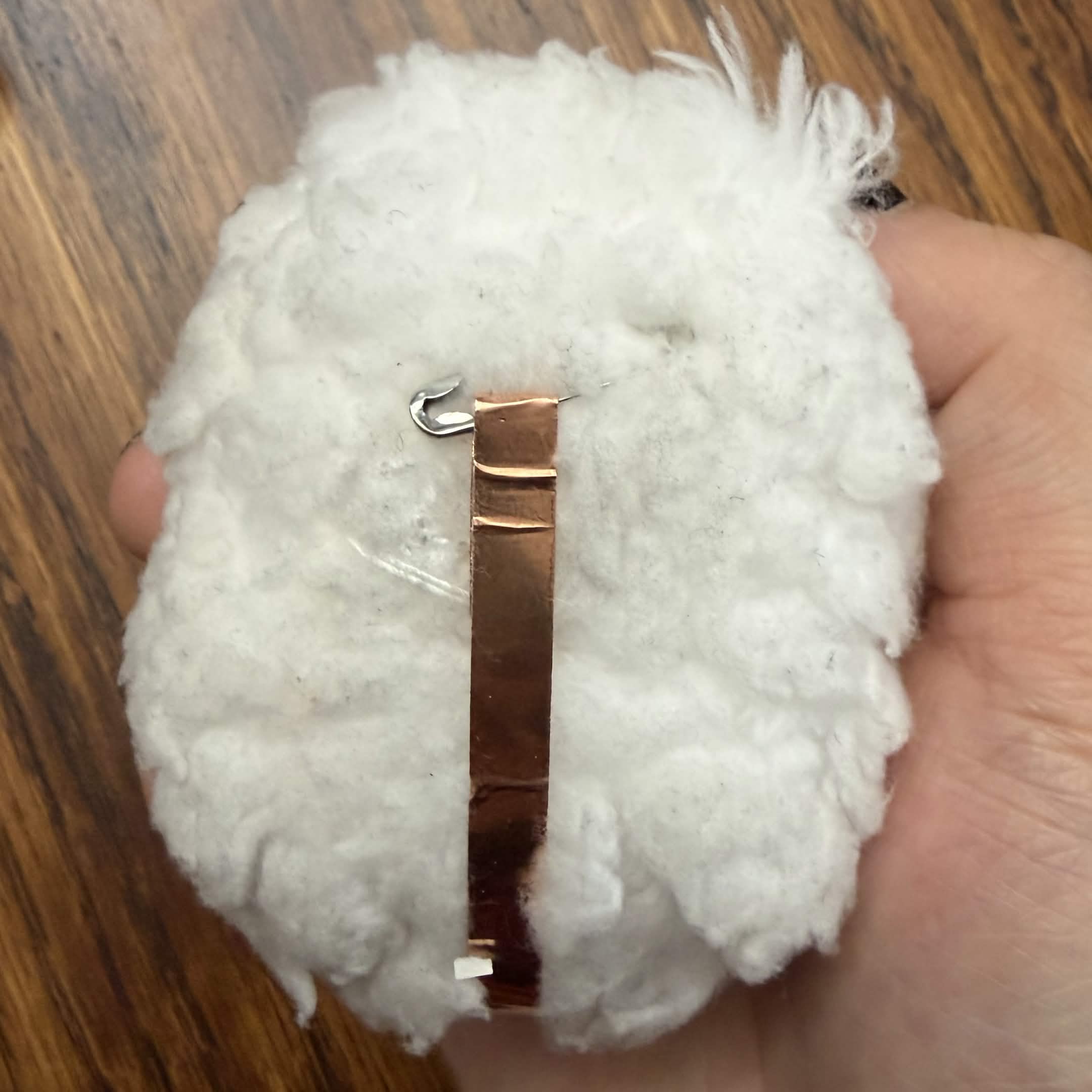
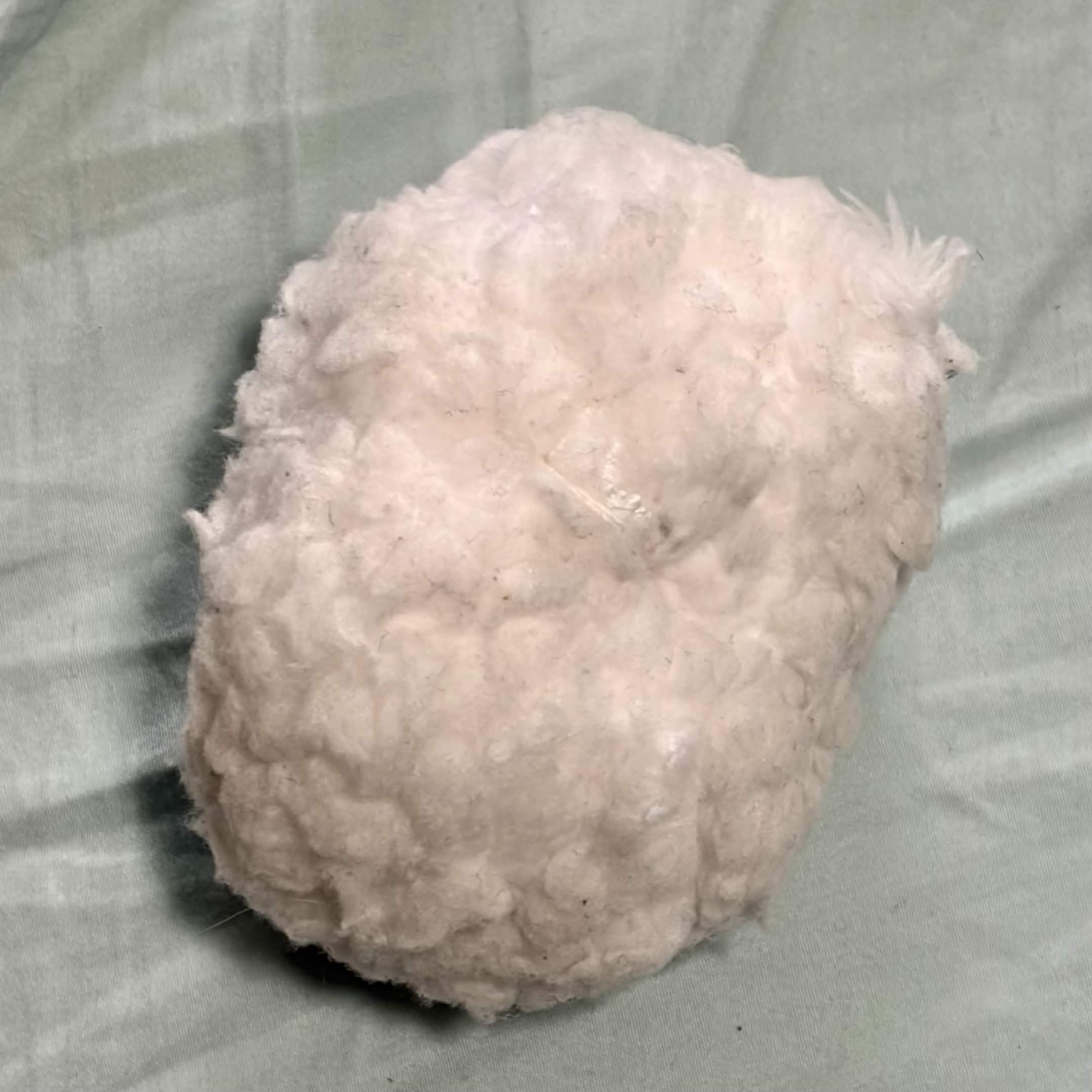
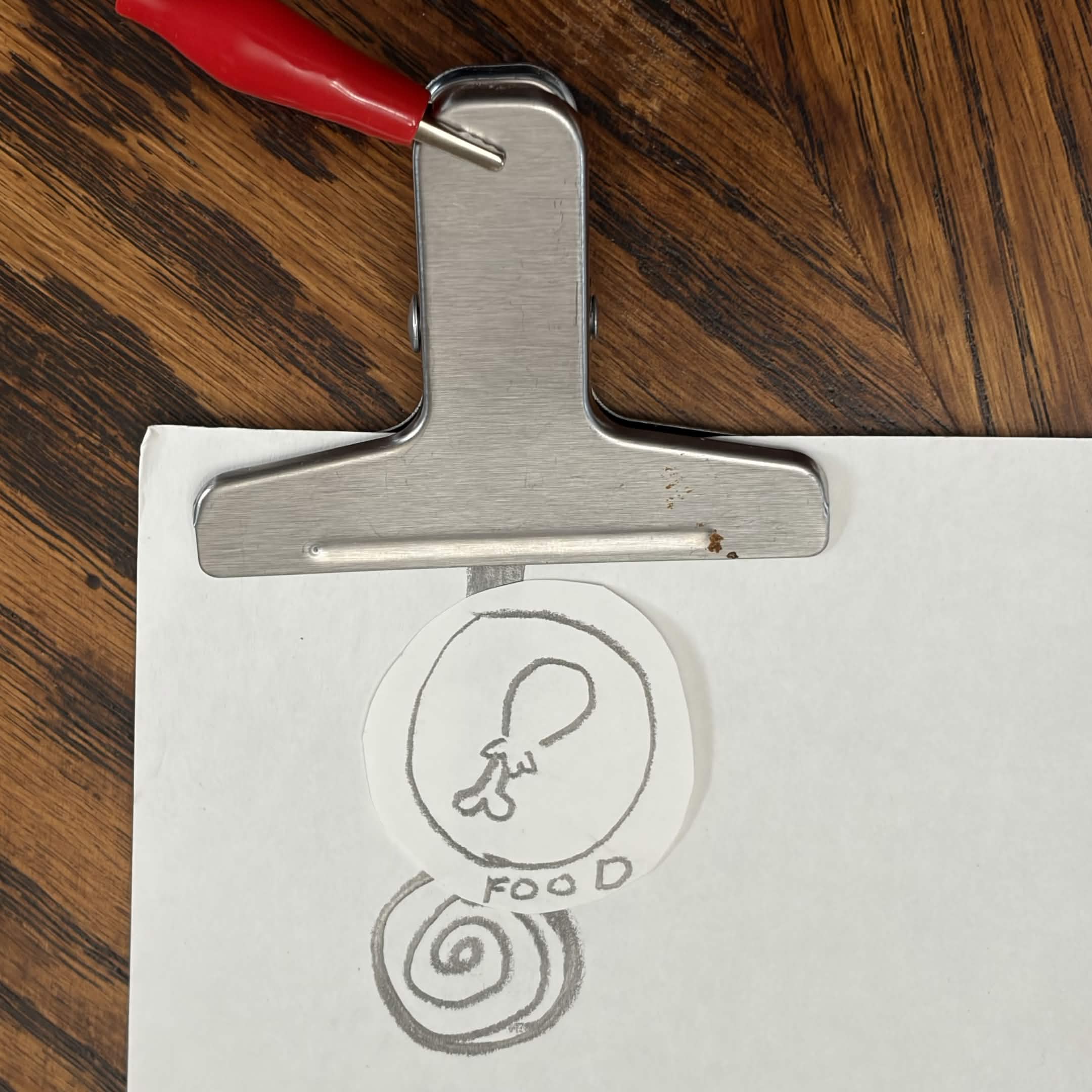
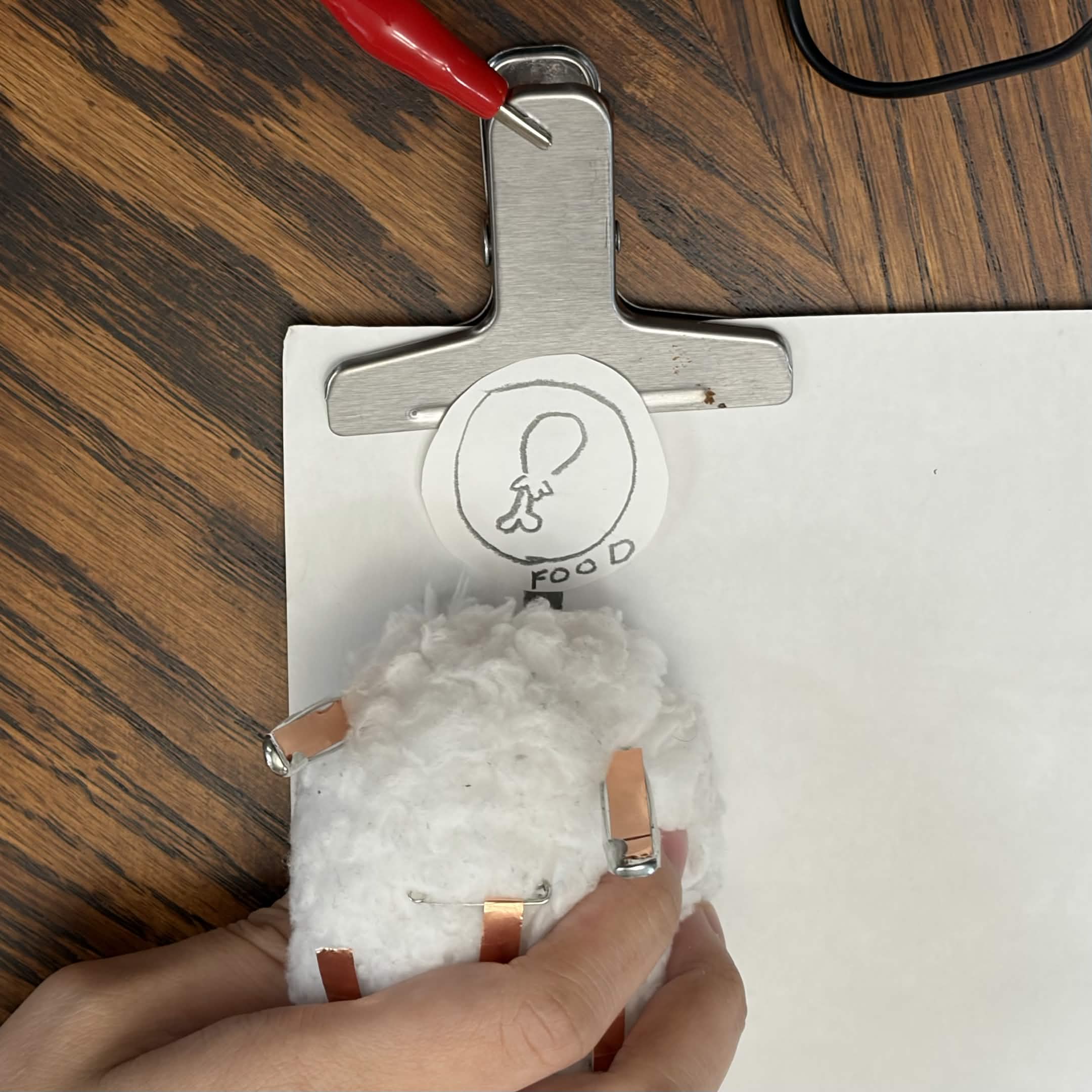
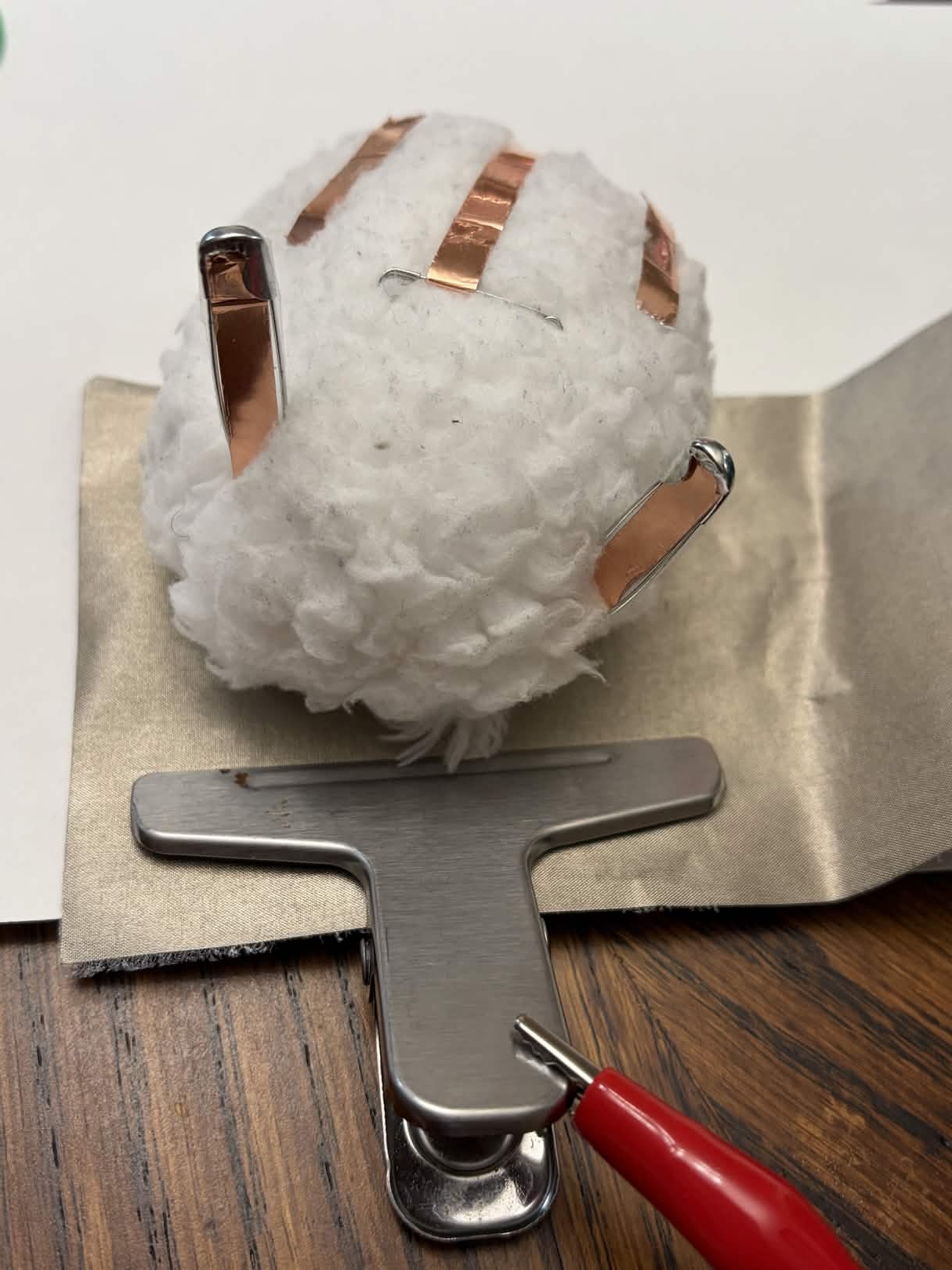
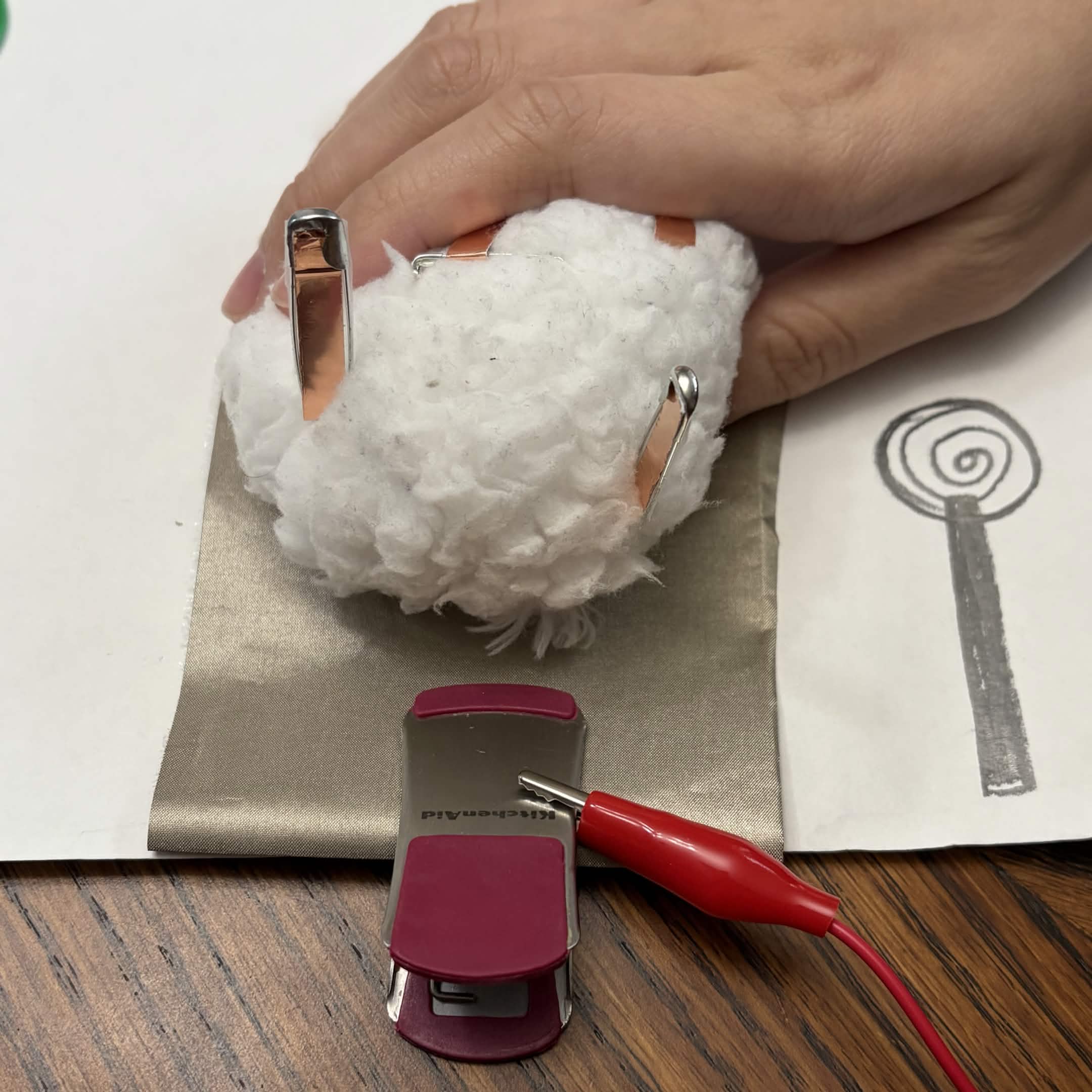
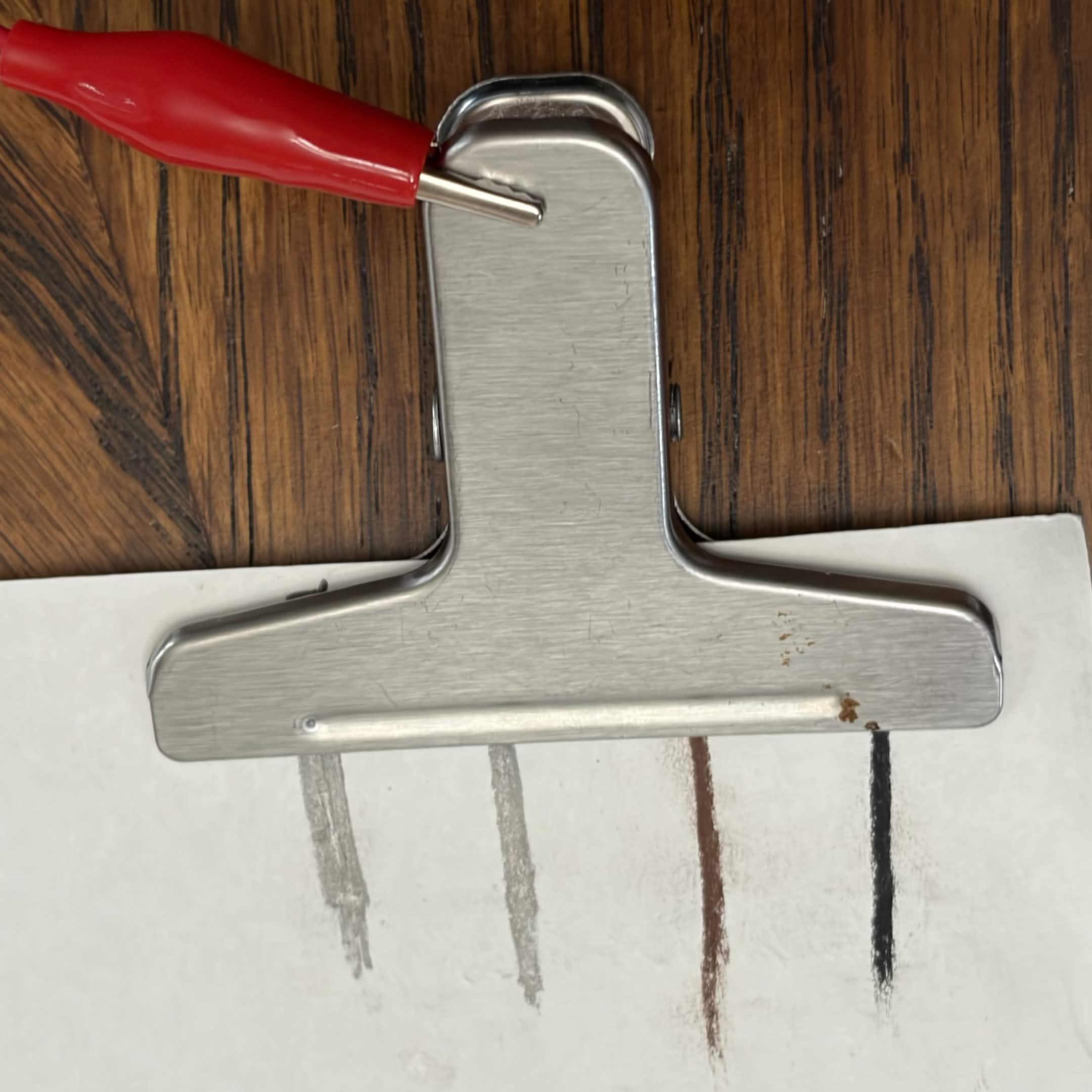
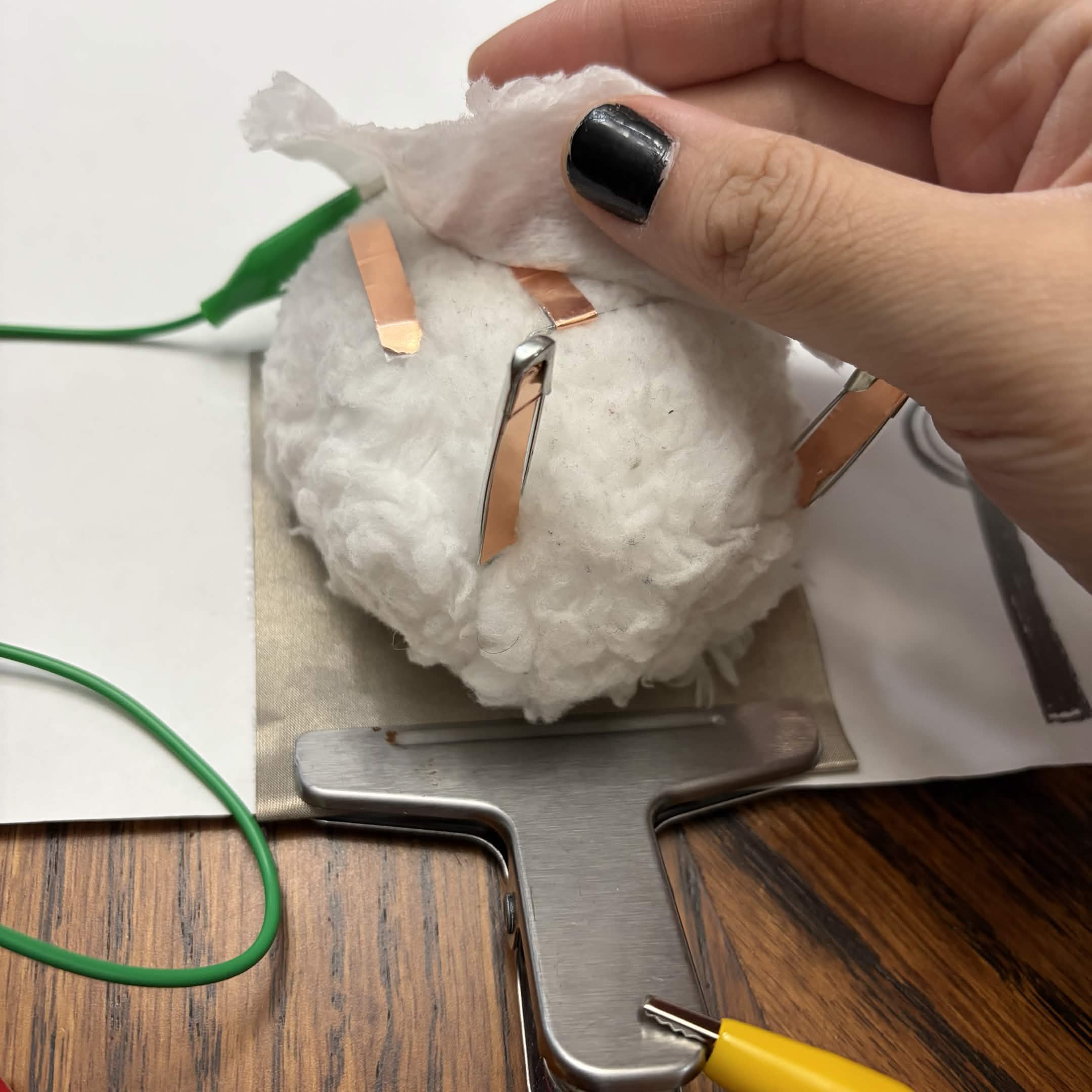
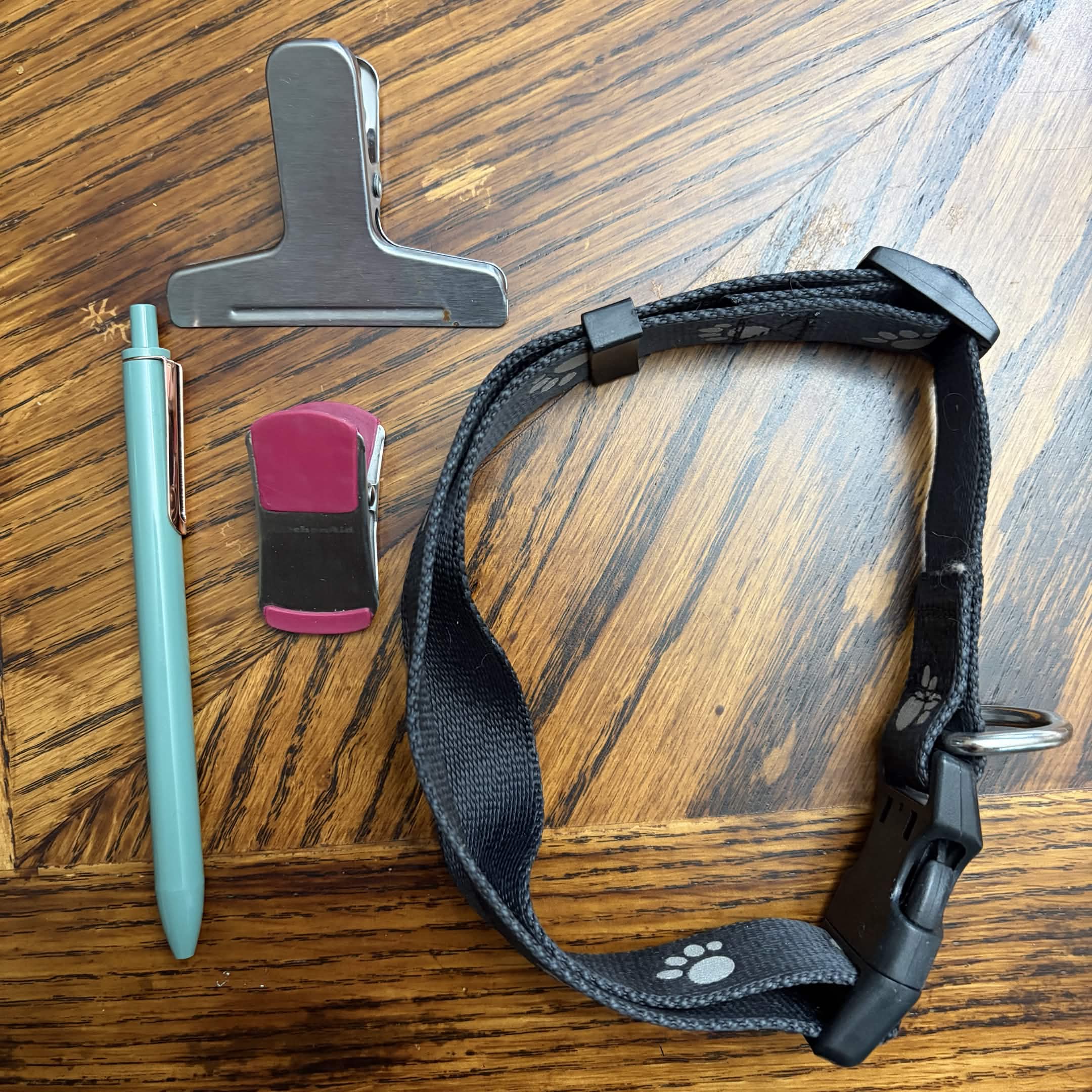
                <a href='https://editor.p5js.org/p5/sketches/Sound:_Noise_Envelope'>https://editor.p5js.org/p5/sketches/Sound:_Noise_Envelope</a> Some items used for grounding for the Makey Makey. Some items used for grounding for the Makey Makey. Fluff ball prototype. Added safety pins to emulate ears and for conductivity. Back view of fluff ball prototype. 3/4 view of fluff ball prototype. Underside view of fluff ball prototype. The conductive tape is added for Makey Makey contact. Fluff ball prototype for sense of touch. First concept. Emulating a pet feeding simulator. Prototype of a food bowl. Having the pet touch the food bowl. Having the pet on top of the 'towel'. Trying out a different clip for the ground. This one did not work due to the plastic. Trying out different pencils for conductivity.<br>
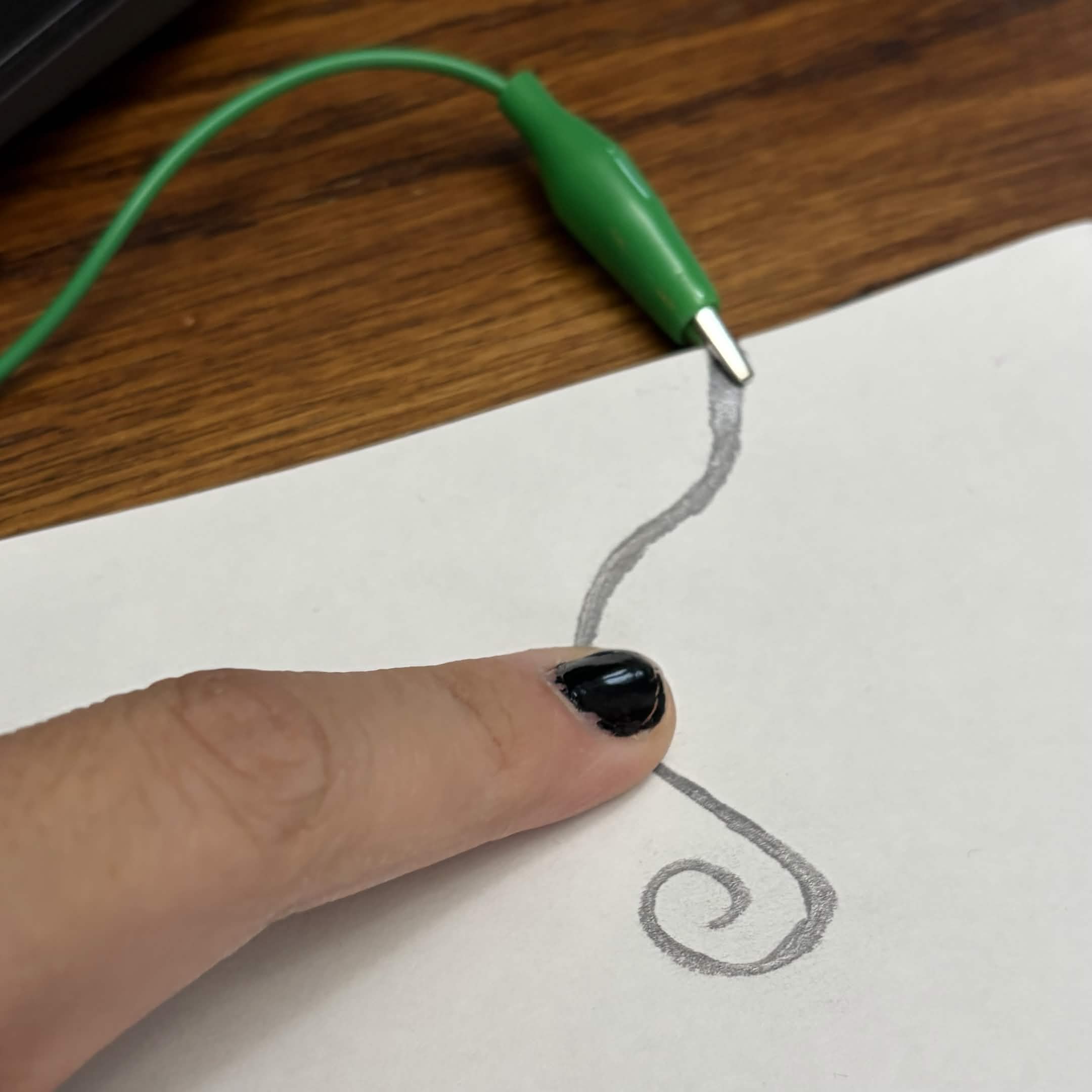
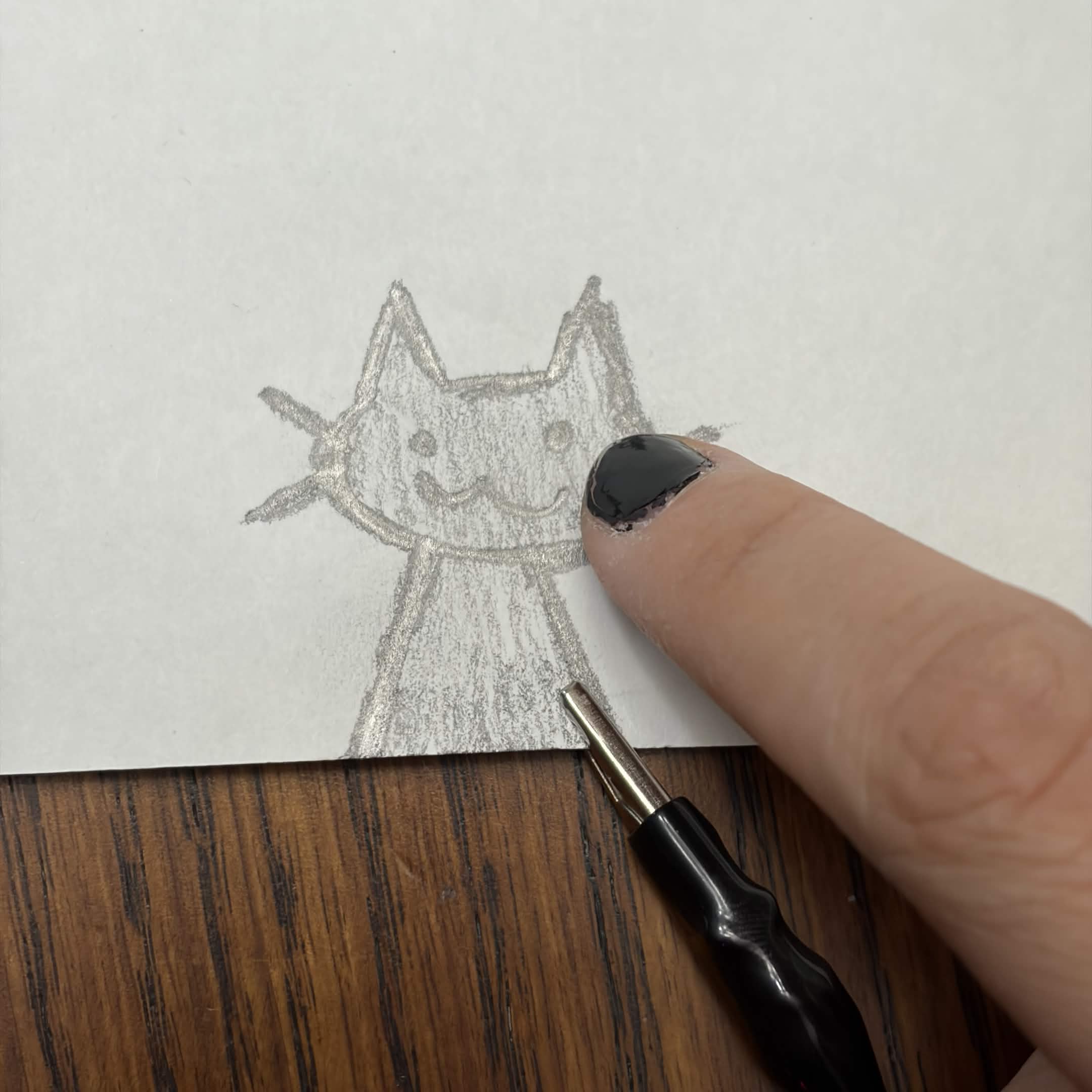
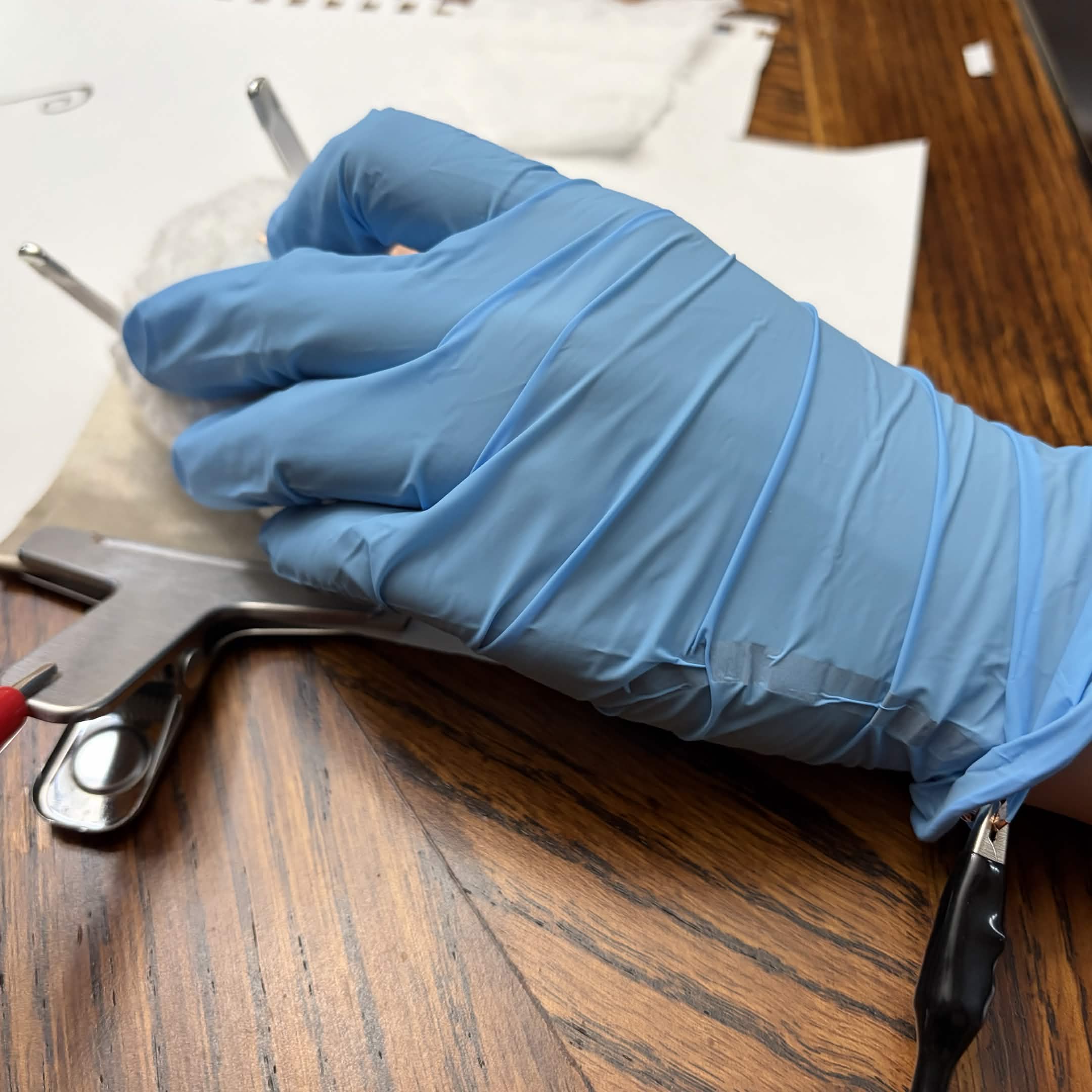
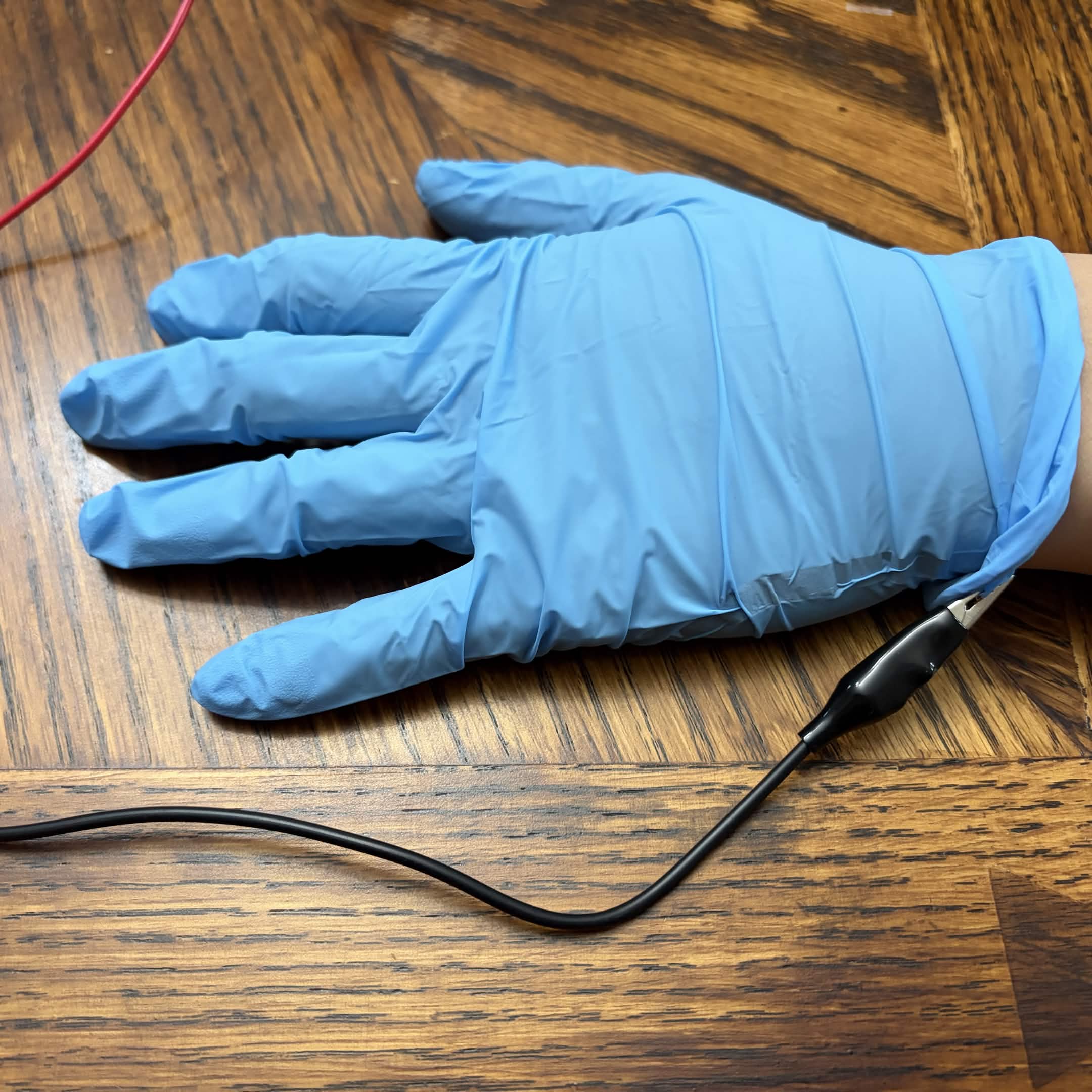
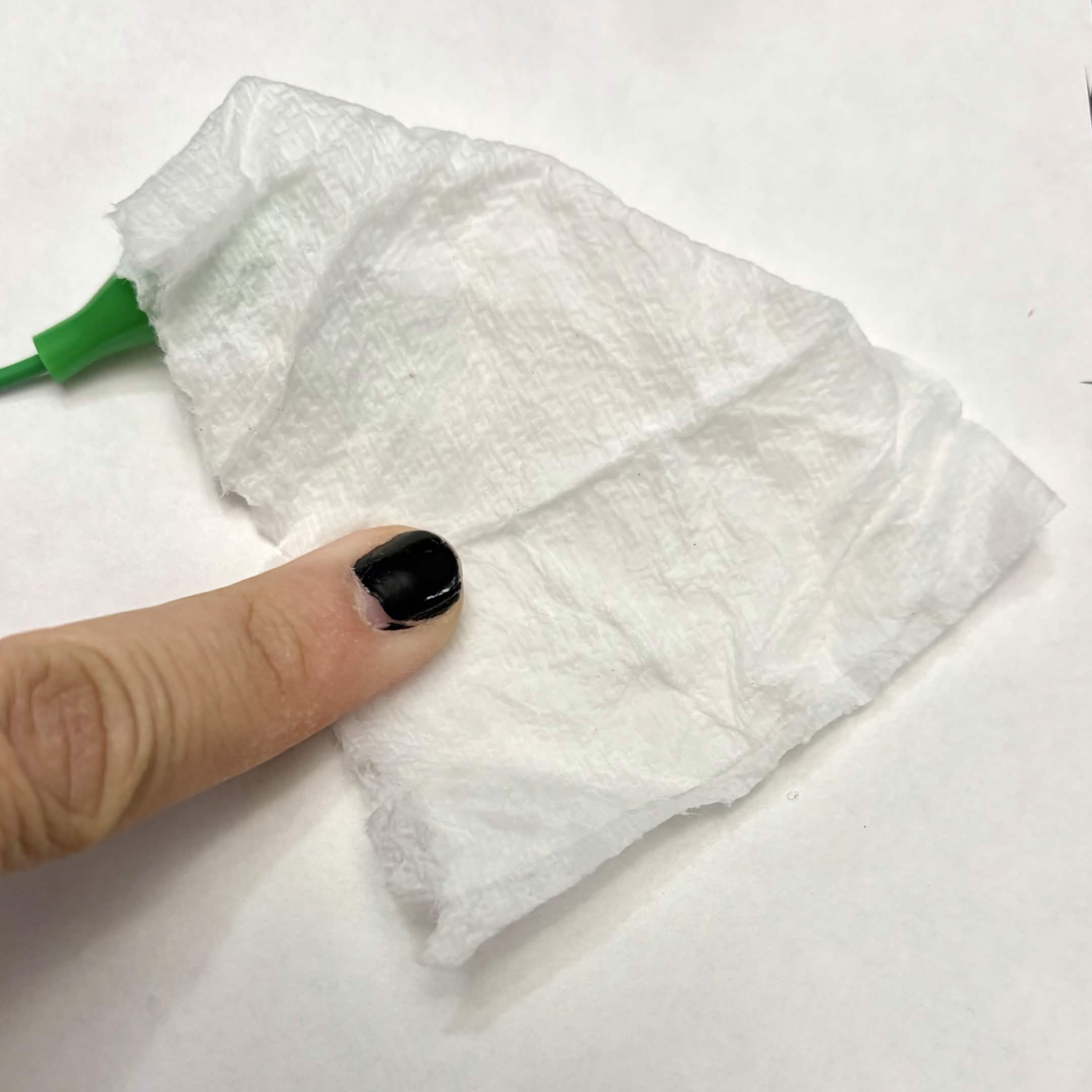
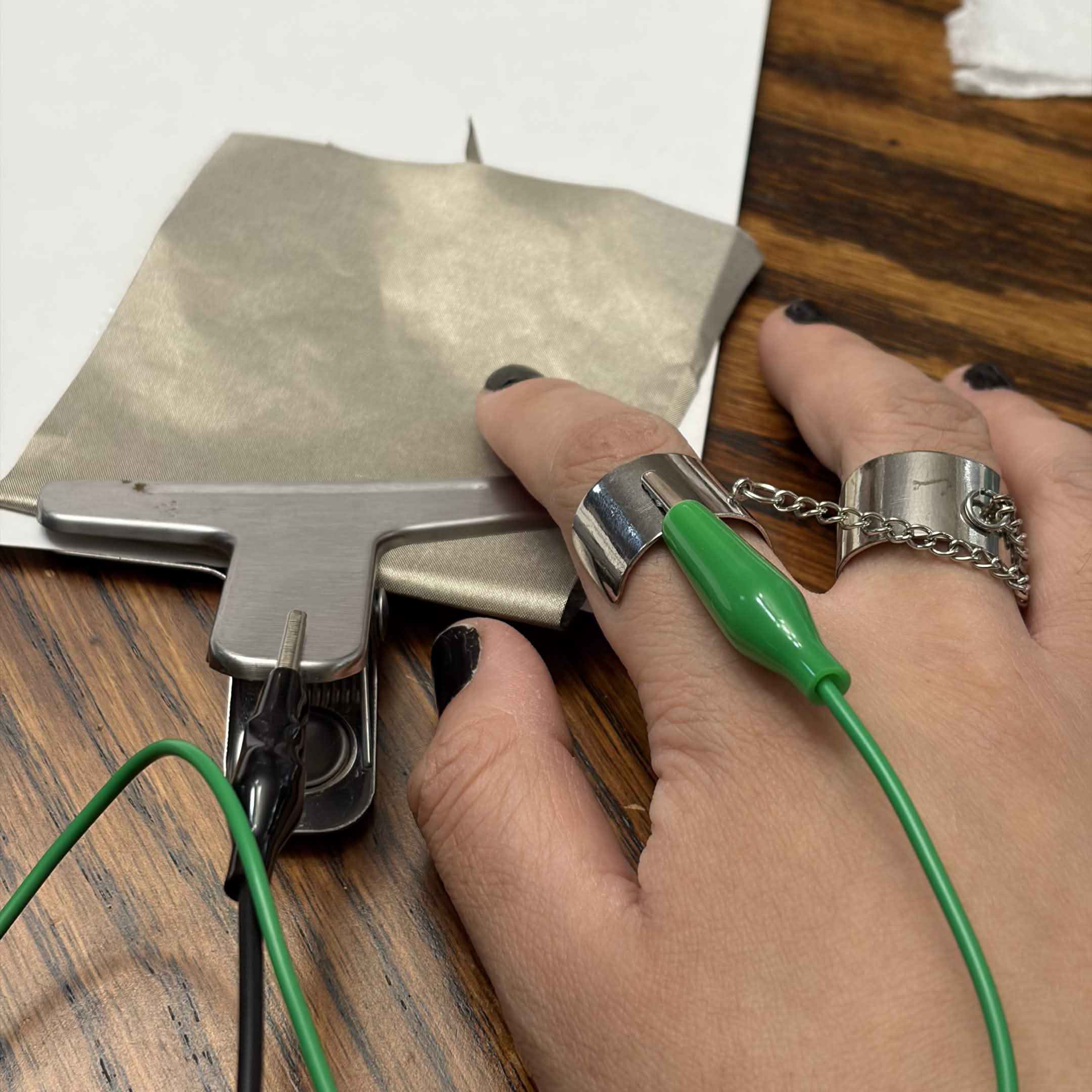
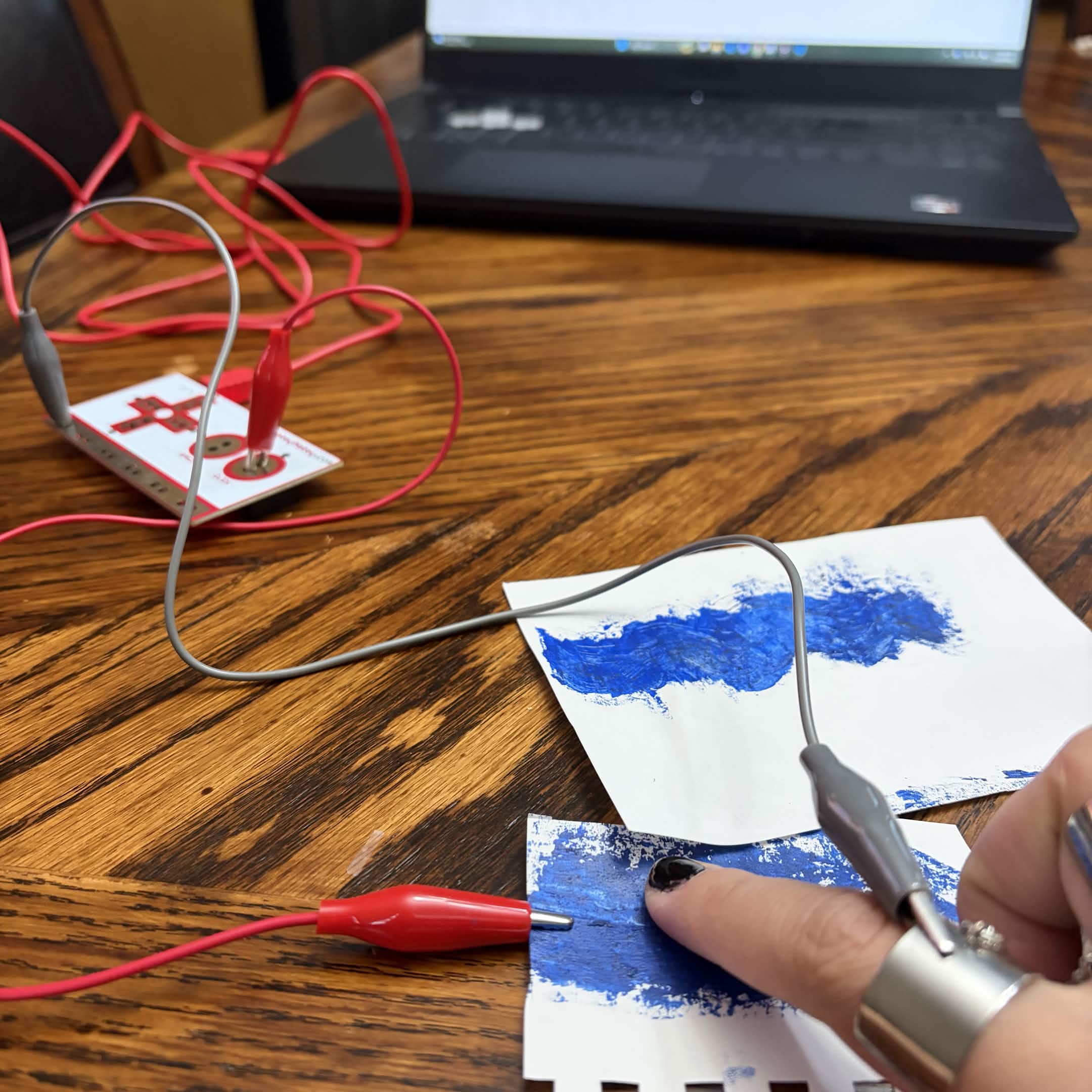
                Left to right: 6B, B, brown conte, and black conte. Using a 6B pencil to test out conductivity. This works the best. Using a 6B pencil to test out conductivity with a graphic. Interacting with the pet on the 'towel' with a glove. Trying out a glove as a ground. Conductive tape is inside on the side. Having a different towel for input. This one is wet. Using the (wet) towel to dry off the pet. Trying out rings as a ground. I did not go with this ground because the wires kept getting tangled. Putting the rings on a bunny plush as a different input. Scrapped concept. Experimenting with water as an input. Experimenting with homemade graphite paint as an input. Unfortunately it wouldn't last in the long
                term, since the graphite would mold with the paint.

Project 3


Final Project 3 Design

Pet Washing Simulator

Instructions:
Left Arrow: Wash the dog with soap
Right Arrow: Clean the suds off the dog
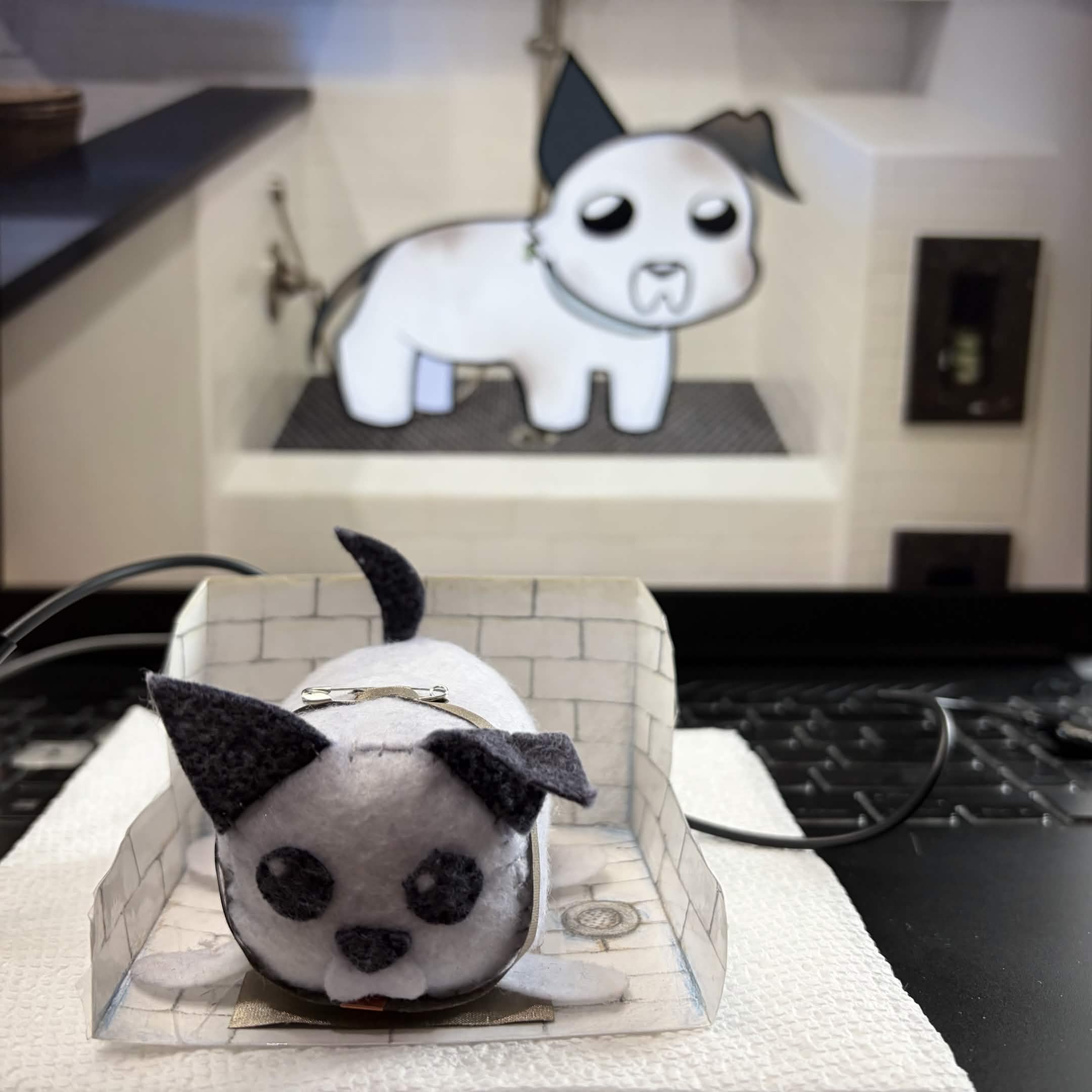
Lilith's Dog Washing Simulator<br>
              The physical interaction of cleaning the dog mimics what will be shown on screen to show progress then completion.
              This is to relate to users who don't have a pet dog or do have a pet dog.
×

Powered by w3.css